Common Procedures
SM 3-23 D014/D015/D078/D079
Replacement
Adjustment
3.2.12 SD CARD STORAGE
After an application has been moved from its original SD card to another SD card with
SP5873-1, the empty SD card should be stored on site inside the front door of the machine.
The original SD card is proof that the customer has purchased that application and
must remain with the machine.
If the front door is replaced, the stored SD cards must be removed and stored inside
the new door.
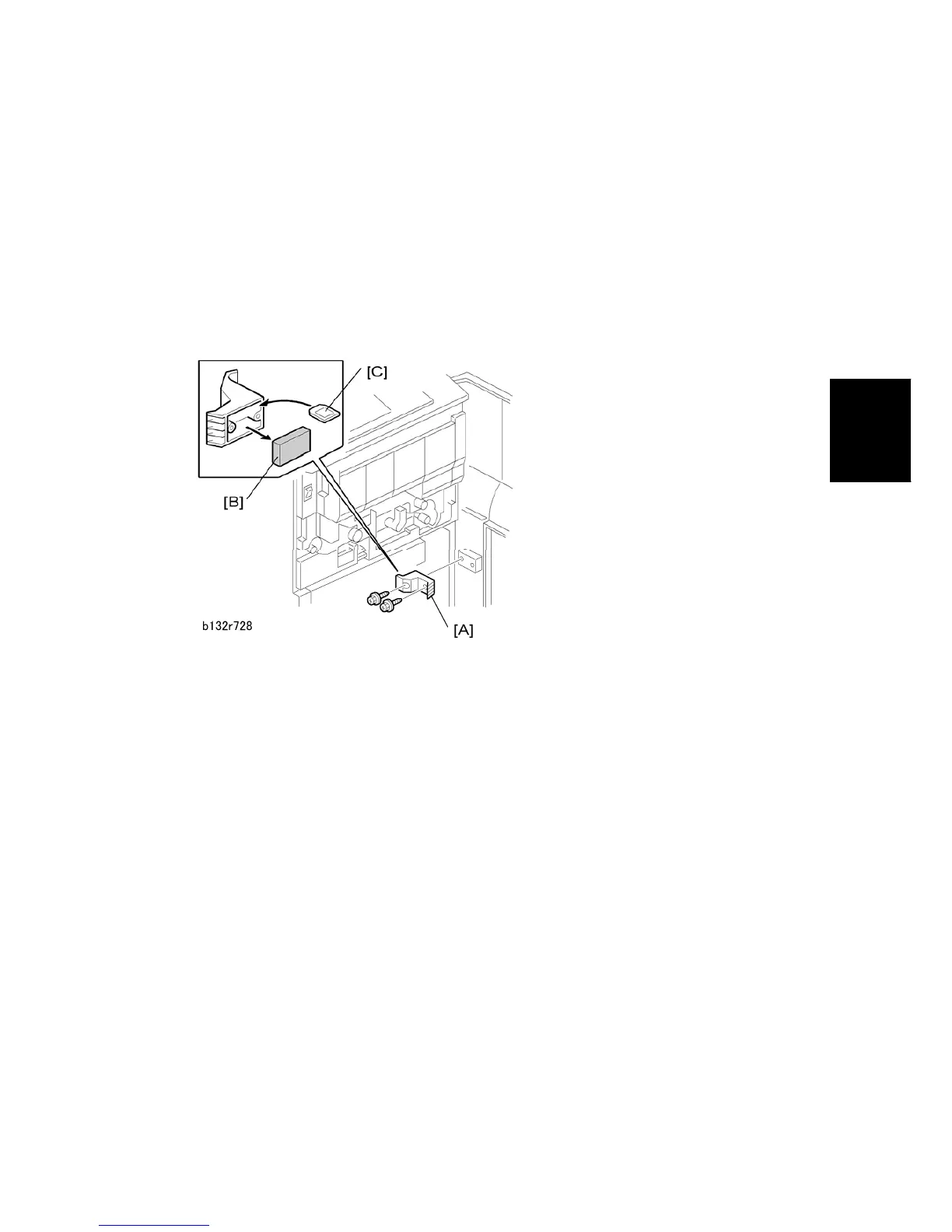
1. Open the front door.
2. Remove the cover [A] on the door ( x2).
3. Remove the block [B].
4. Store extra SD cards [C] inside the cover.
5. Reattach the cover to the door.



 To Next Page