LCT (B473), LCT Adapter (B699)
SM 1-55 D014/D015/D078/D079
Installation
Adjusting Side Fences for Paper Size
Before You Begin…
The side fences must be adjusted manually for either A4 or LT. The procedure below is
not required if the side fences are already set for A4.
Before doing this procedure, the LCT must be installed and connected to the copier
and the copier must be switched on.
The procedure below shows how to move the side fences from the A4 to the LT
positions.
1. Turn ON the copier main power switch.
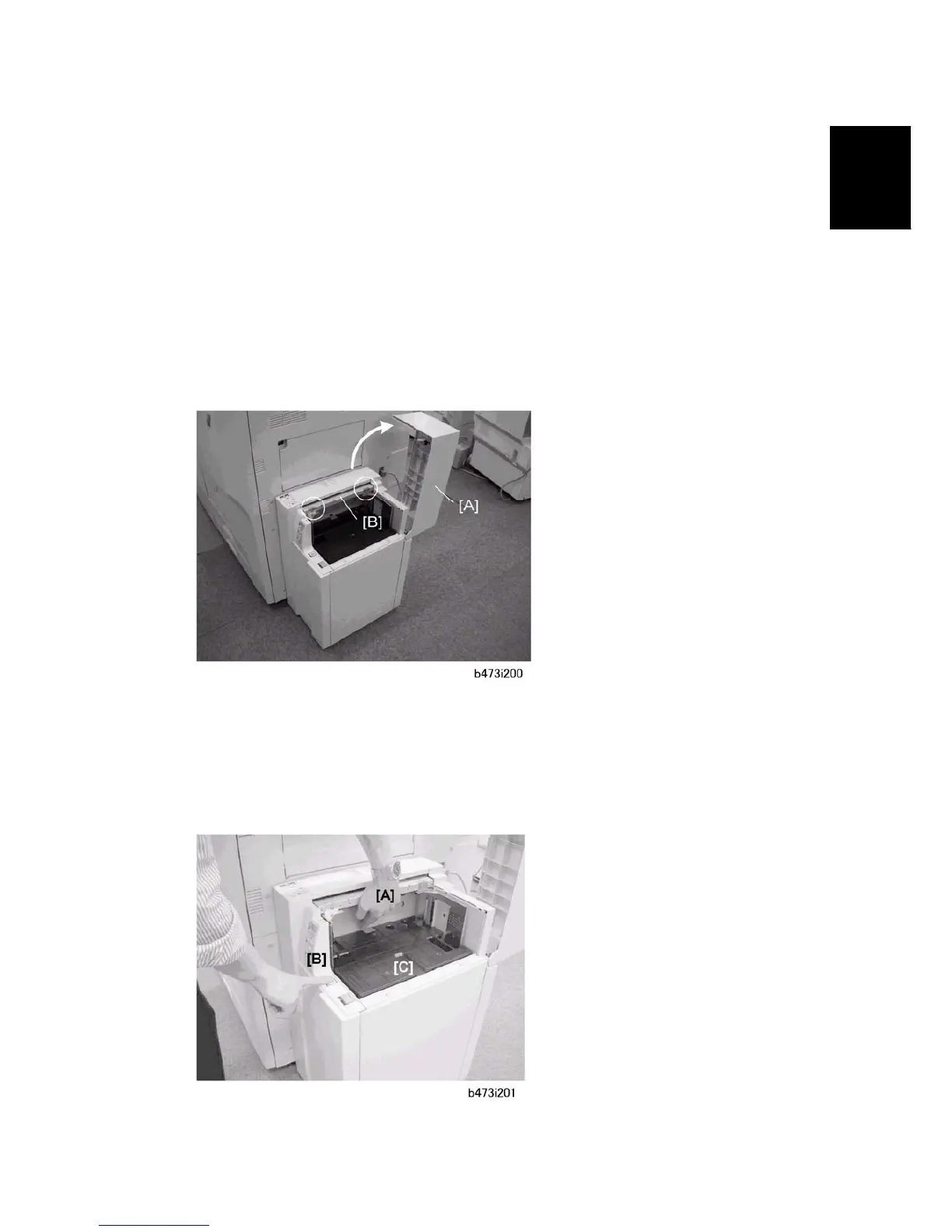
2. Open the LCT top cover [A].
3. Check the position markers on plate [B].
If the fences are set for A4 and you intend to load A4, the LCT is ready and you do
not need to do the following steps.
If the fences are set for A4 and you intend to load LT, do the steps below.



 To Next Page