Copier D014/D015/D078/D079
D014/D015/D078/D079 1-32 SM
Attach Decals
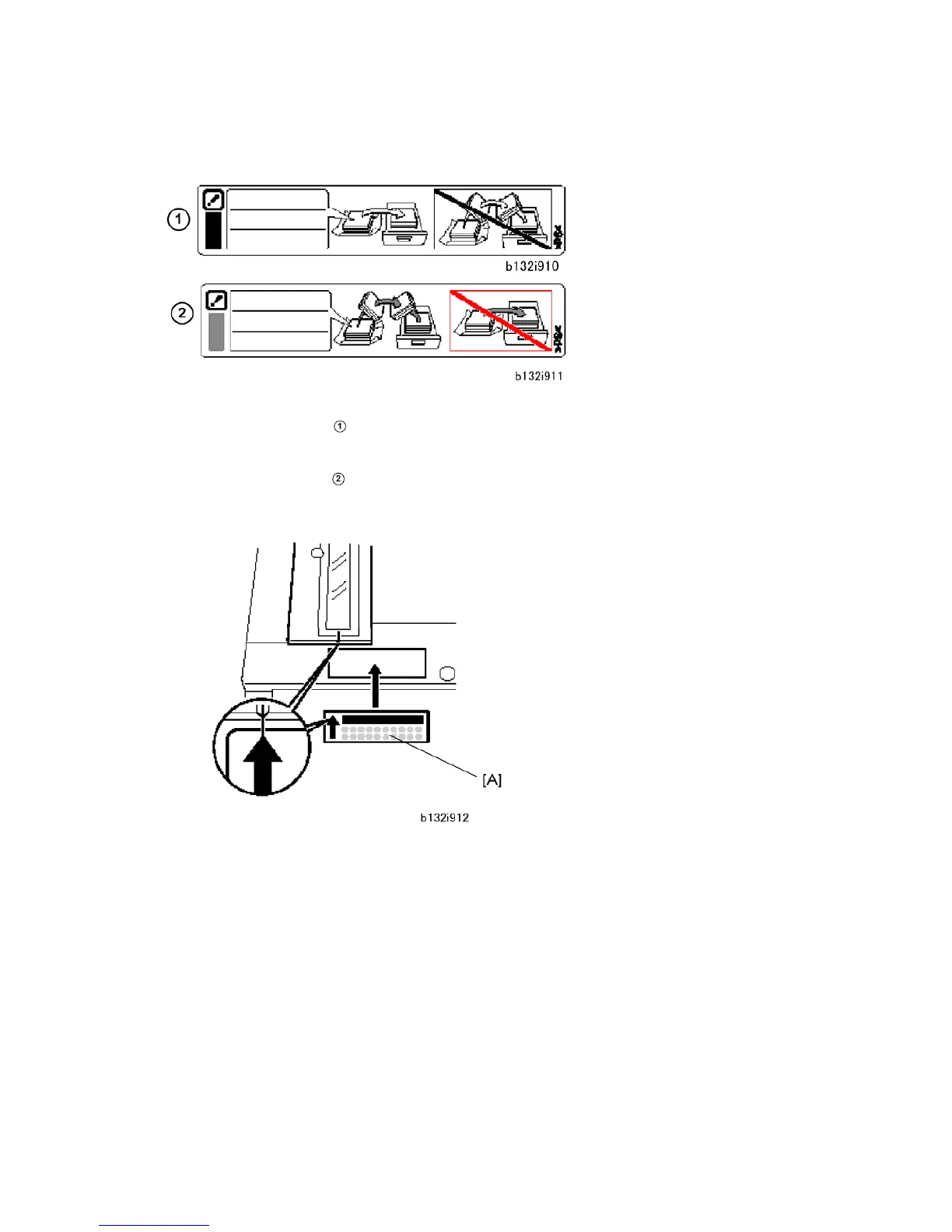
1. Attach the paper-installation decals to the trays. These tell you how to add new paper.
Front set decal
: Attach this decal to the LCT if it is installed. 'Front set' means
that the paper should be face up in the tray.
Back set decal
: Attach these decals to the trays of the copier. 'Back set' means
that the paper should be face down in the tray.
2. Attach exposure-glass-cleaning decal [A] at the front edge of the ARDF exposure
glass.



 To Next Page