PCU
SM 3-37 D014/D015/D078/D079
Replacement
Adjustment
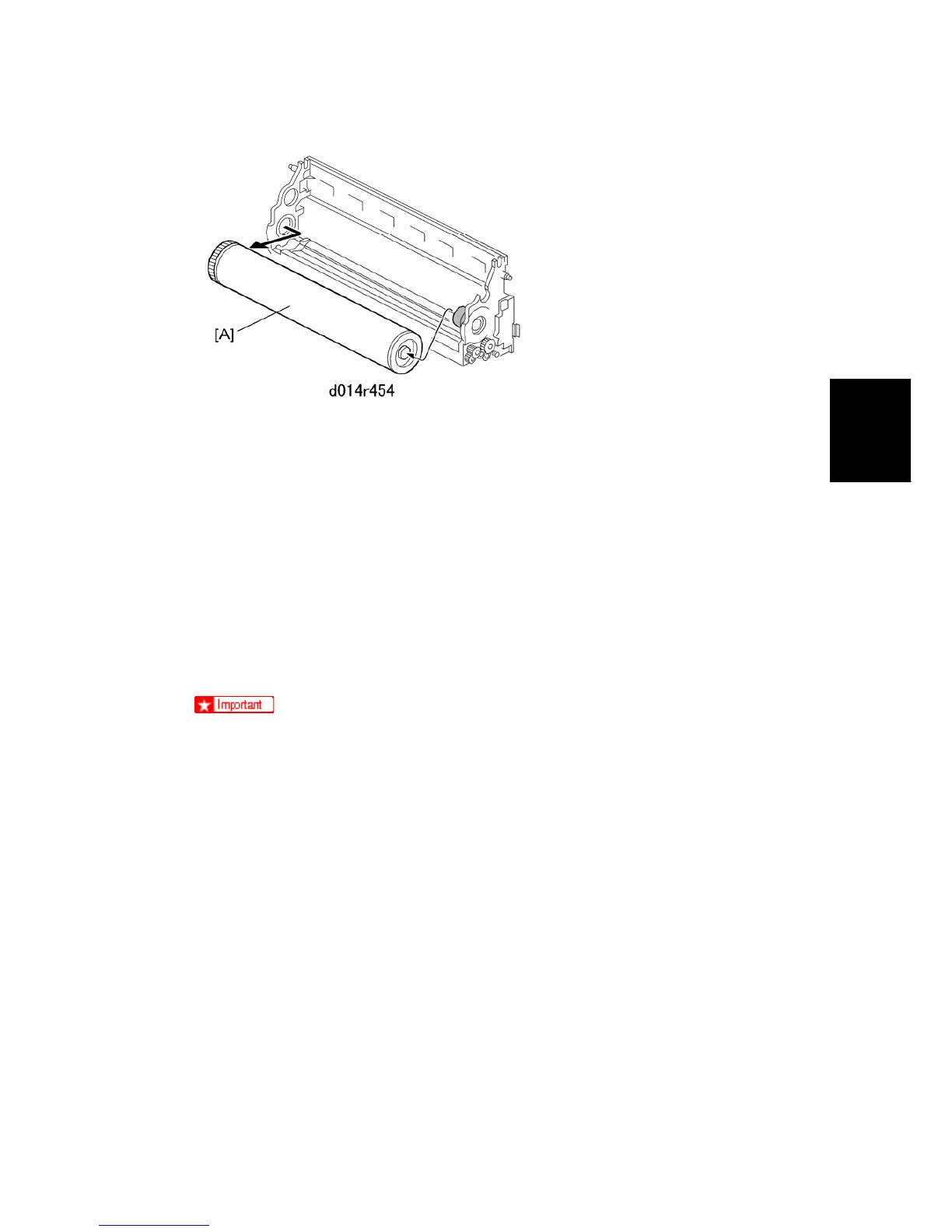
5. Remove the drum [A] from the development unit.
6. Wrap the drum in a sheet of clean white paper to protect it from light.
Reinstallation of the Drum
This procedure is the same for the YMC PCUs and the K PCU.
Always dust the surface of a new drum before you install it.
If you have removed the drum and intend to re-install the same drum, the surface of
this drum should be dusted as well.
Before you begin…
Make sure that you have the correct type of dusting powder for the drum. Use only
Lubricant Powder B1329700 (specially designed for this machine).
Never use Setting Powder 54429101. This powder can damage the drum and
charge roller.
Do not use the yellow toner of the D014/D015/D078/D079 copier because it
contains developer that could damage the drum and ITB.
To dust the drum:
1. Spread a small amount of lubricant powder on a clean sheet of paper.
2. Dip a clean, dry cloth into the lubricant powder.



 To Next Page