PCU
D014/D015/D078/D079 3-38 SM
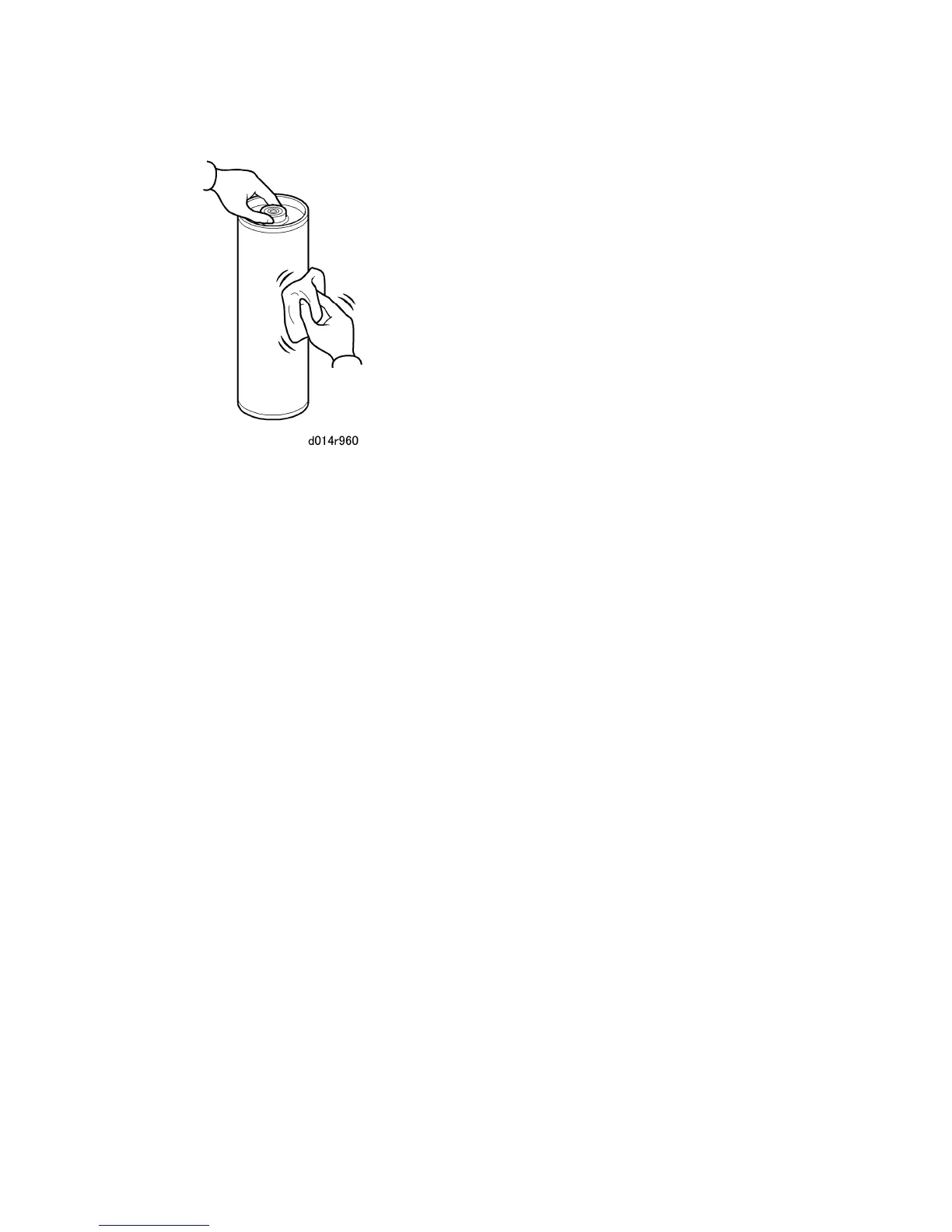
3. Dust the surface of the drum with the cloth until the entire surface is covered.
4. When you reinstall the drum:
Reinstall the front end of the drum first.
Never rotate the drum manually after reinstalling it.
5. You must do the appropriate SP codes to prevent a fatal error, depending on whether
you have replaced only the drum or the drum/cleaning blade. For more details, refer to
the SP Codes After Replacement table.



 To Next Page