Image Transfer Unit
SM 3-75 D014/D015/D078/D079
Replacement
Adjustment
3.6 IMAGE TRANSFER UNIT
3.6.1 EMPTYING THE DUST COLLECTION UNIT
1. Open the front door.
2. Pull out the drawer unit.
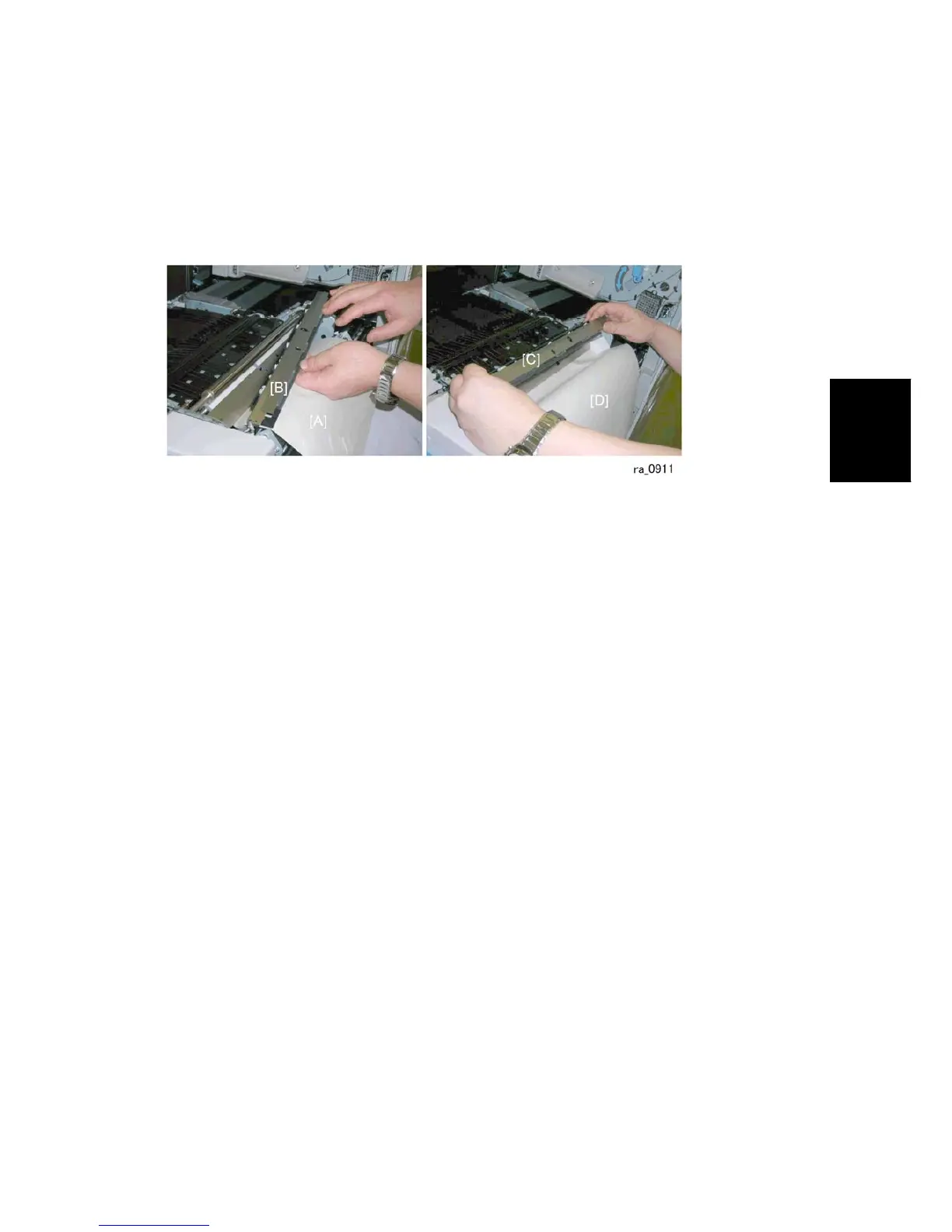
3. Insert a sheet of A3 paper [A] under the dust collection unit.
4. Disconnect the dust collection unit [B].
5. Dump the paper dust from the dust collection unit [C] onto the paper [D].
6. Carefully remove the paper and discard.



 To Next Page