MFP Controller Options
D014/D015/D078/D079 1-172 SM
Seal Check and Removal
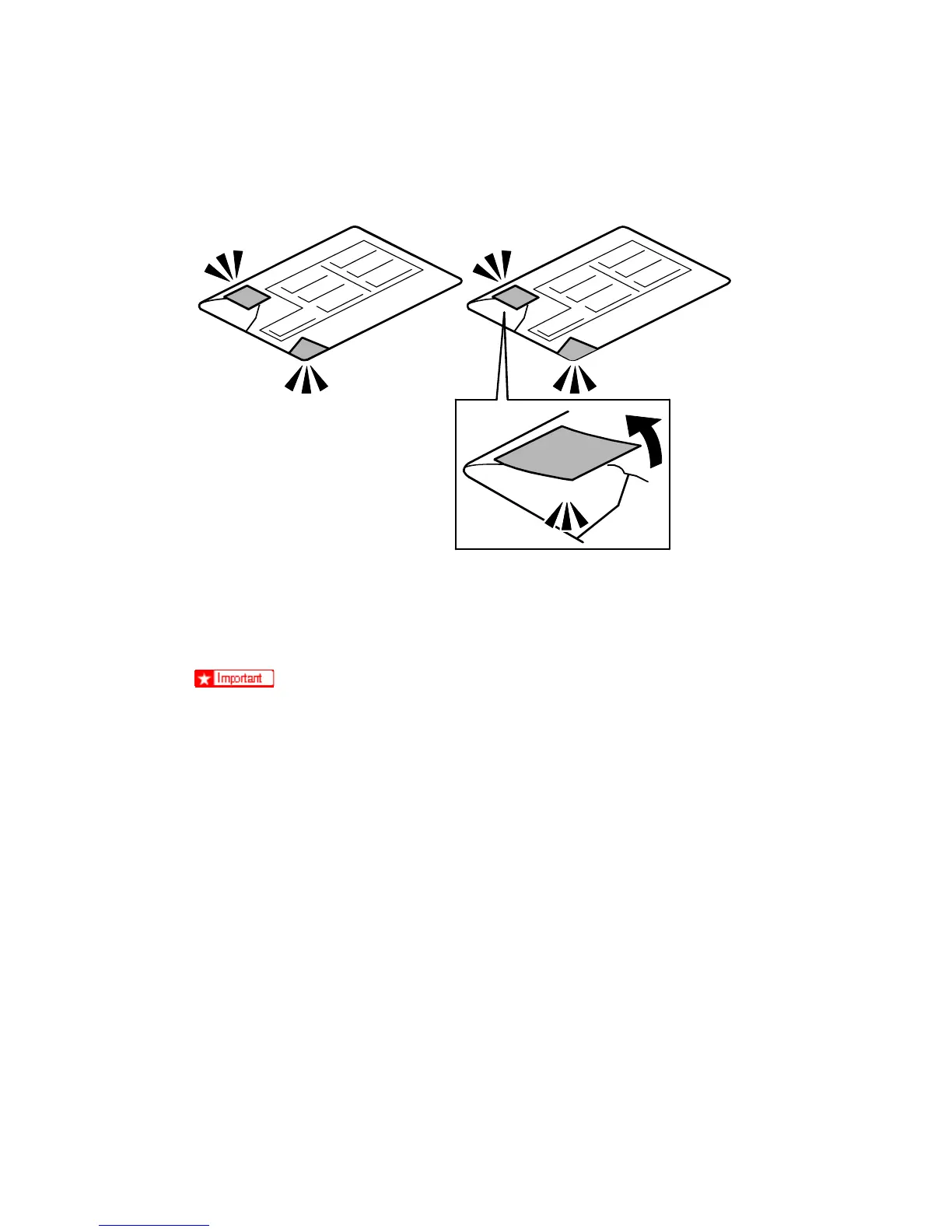
1. Check the two box seals [A] on the corners of the box and confirm that they are firmly
attached.
If you see "VOID" on the tapes or on the corners of the box this means that the
seals have been removed. If the "VOID" notations are visible, do not use the
SD card for this installation. Contact your sales division
2. Remove the seals from both corners of the box. The silver "VOID" notations [B]
become visible only after you have removed the seals. This is normal.
VOIDVOID VOID
VOID VOID
VOID
VOID
VOID
VOID
VOID VOIDVOIDVOIDVOID
VOID VOID VOID VOID VOID
VOID VOID
VOID
VOID
VOID



 To Next Page