PCU
SM 3-47 D014/D015/D078/D079
Replacement
Adjustment
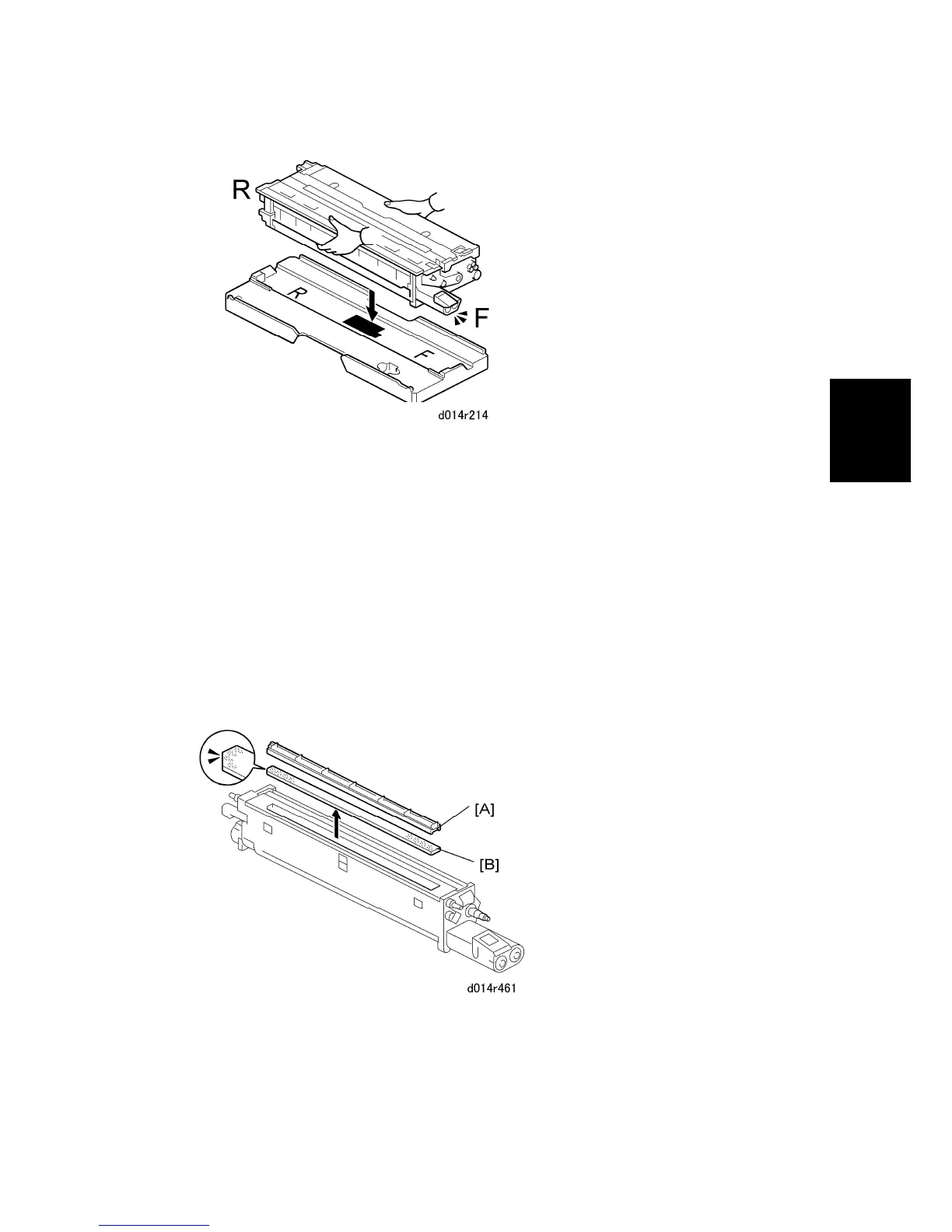
6. Position the front and rear of the PCU so that it matches the F (front) and R (rear)
markings on the PCU stand.
7. Set the PCU on the stand.
The front-rear alignment aligns the shape of the stand with the contours of the
PCU bottom.
This also protects the exposed drum on the bottom of the PCU during servicing.
Removing the old developer
Preparation
Separate the drum unit and development unit.
Cover the drum with a sheet of clean paper and set it aside.



 To Next Page