Copier D014/D015/D078/D079
SM 1-33 D014/D015/D078/D079
Installation
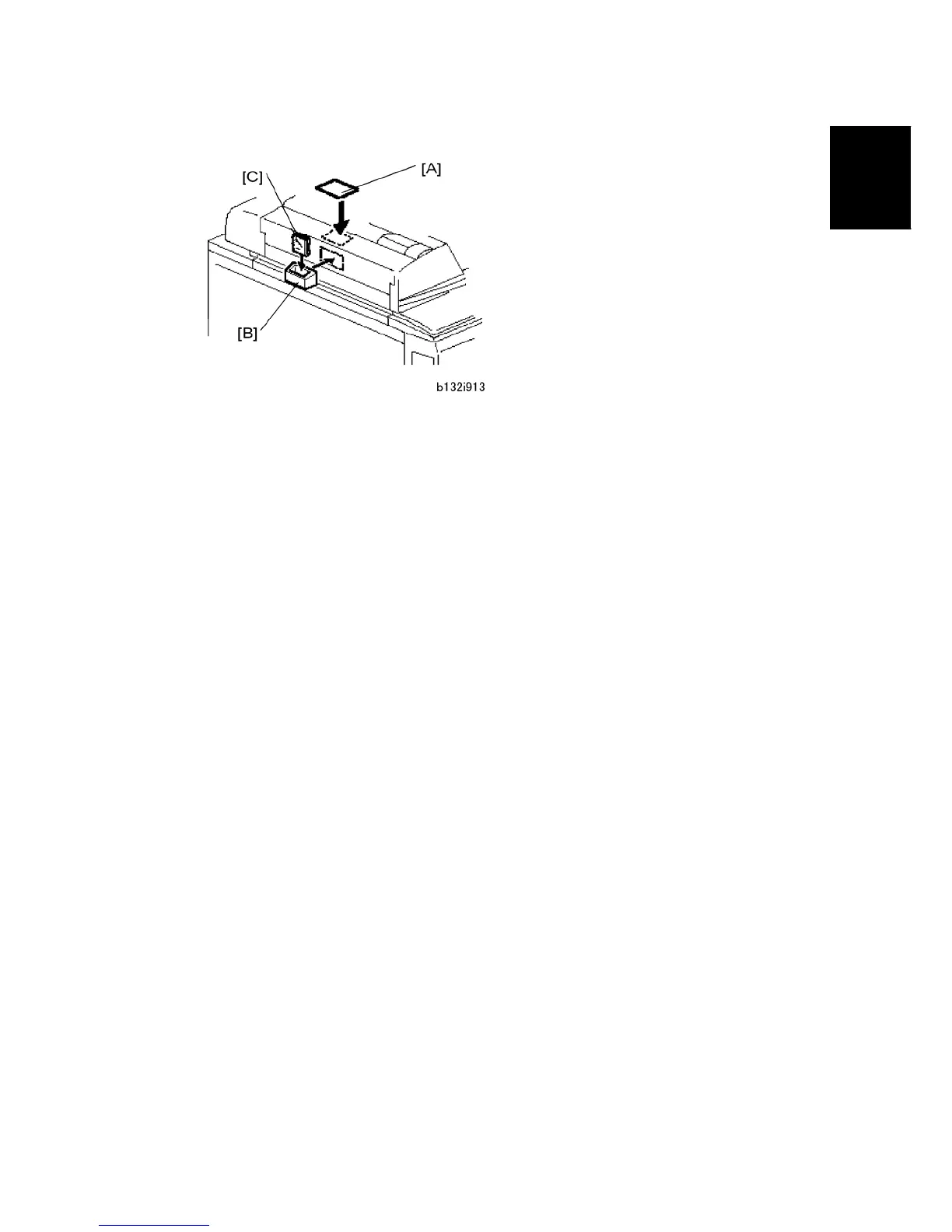
3. Attach the original-caution decal [A], and the silicone cloth holder [B].
4. Put the silicone cloth [C] in the holder.
Enable USB
Do SP5985 to enable USB.
Print an SMC Report
1. Go into the SP mode.
2. Do SP5990-1 to print a full SMC report. Keep it in a safe location, with the factory
setting sheet.



 To Next Page