REPLACEMENT AND ADJUSTMENT
SM 11 B830
Finisher
B830
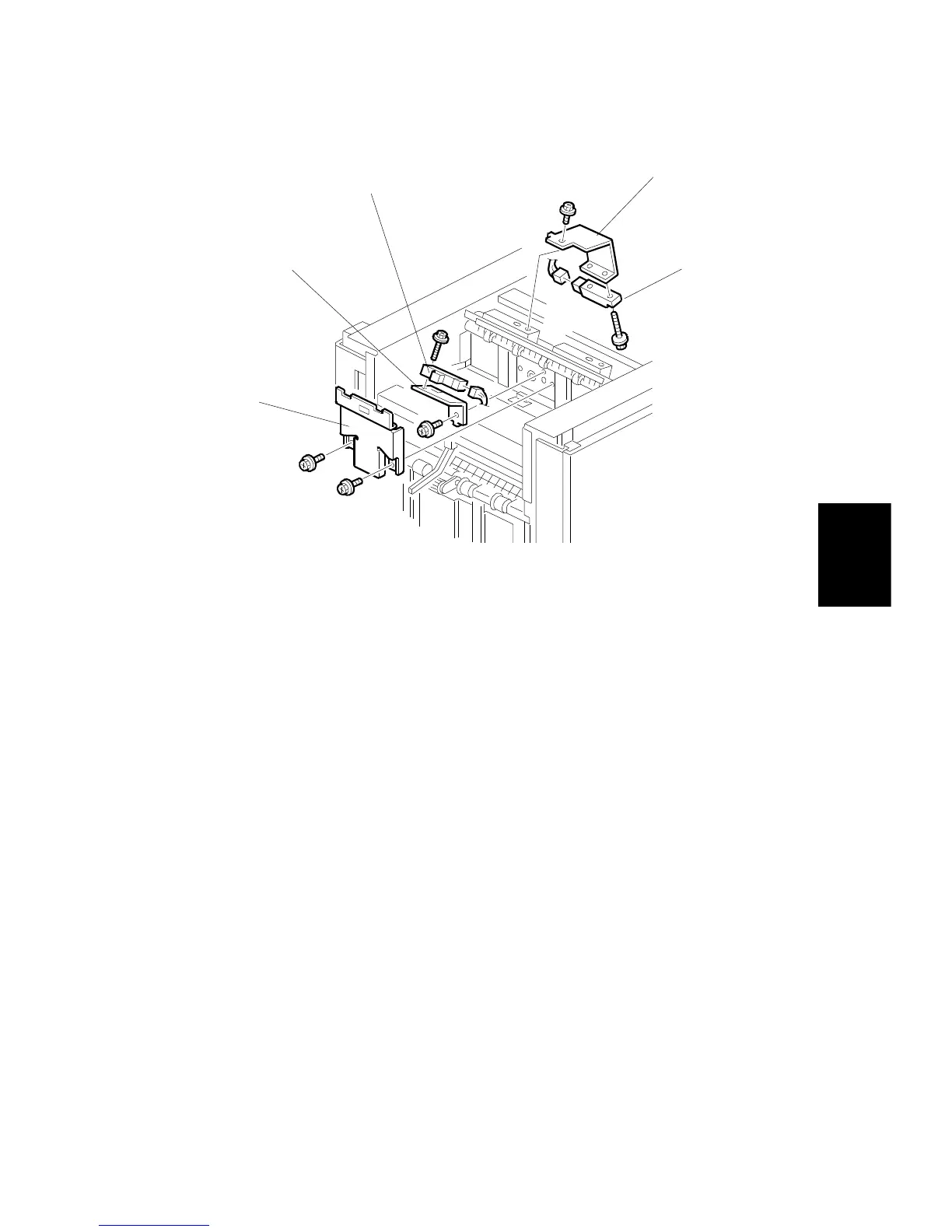
1.4.3 UPPER TRAY FULL AND EXIT SENSORS
Upper Tray Full Sensor
1. Remove the top cover.
2. Remove the sensor cover [A] (
x 2).
3. Remove the sensor bracket [B] (
x 1).
4. Replace the upper tray full sensor [C] (
x 1,
x1).
Upper Tray Exit Sensor
5. Remove the sensor bracket [D] (
x 1).
6. Replace the upper tray exit sensor [E] (
x 1,
x 1).



 To Next Page