Sensors
SM 9 D350
D350
RT4000
A3/12 x 18
LCT
1.5 SENSORS
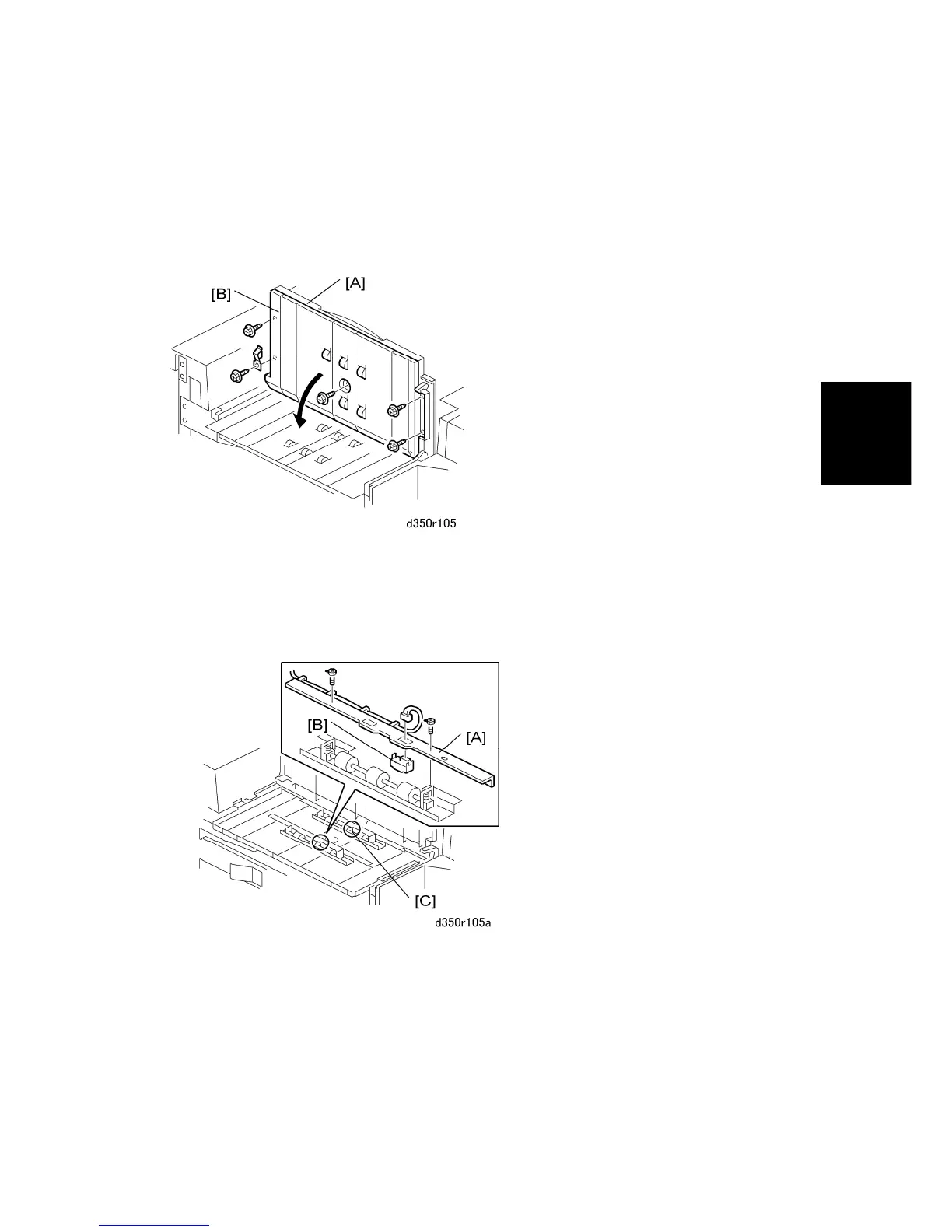
1.5.1 LCT EXIT SENSOR
1. Disconnect the LCT from the copier.
2. Open the exit cover [A].
3. Disconnect the bottom of the exit cover [B] ( x5).
4. Lower the bottom of the cover.
5. Remove:
[A] Relay sensor bracket ( x2).
[B] Relay sensor ( x1, Pawls x2)
[C] LCT exit sensor



 To Next Page