Boards
D014/D015/D078/D079 3-110 SM
3.8.3 IPU/VBCU
IPU/VBCU Removal
Before You Begin…
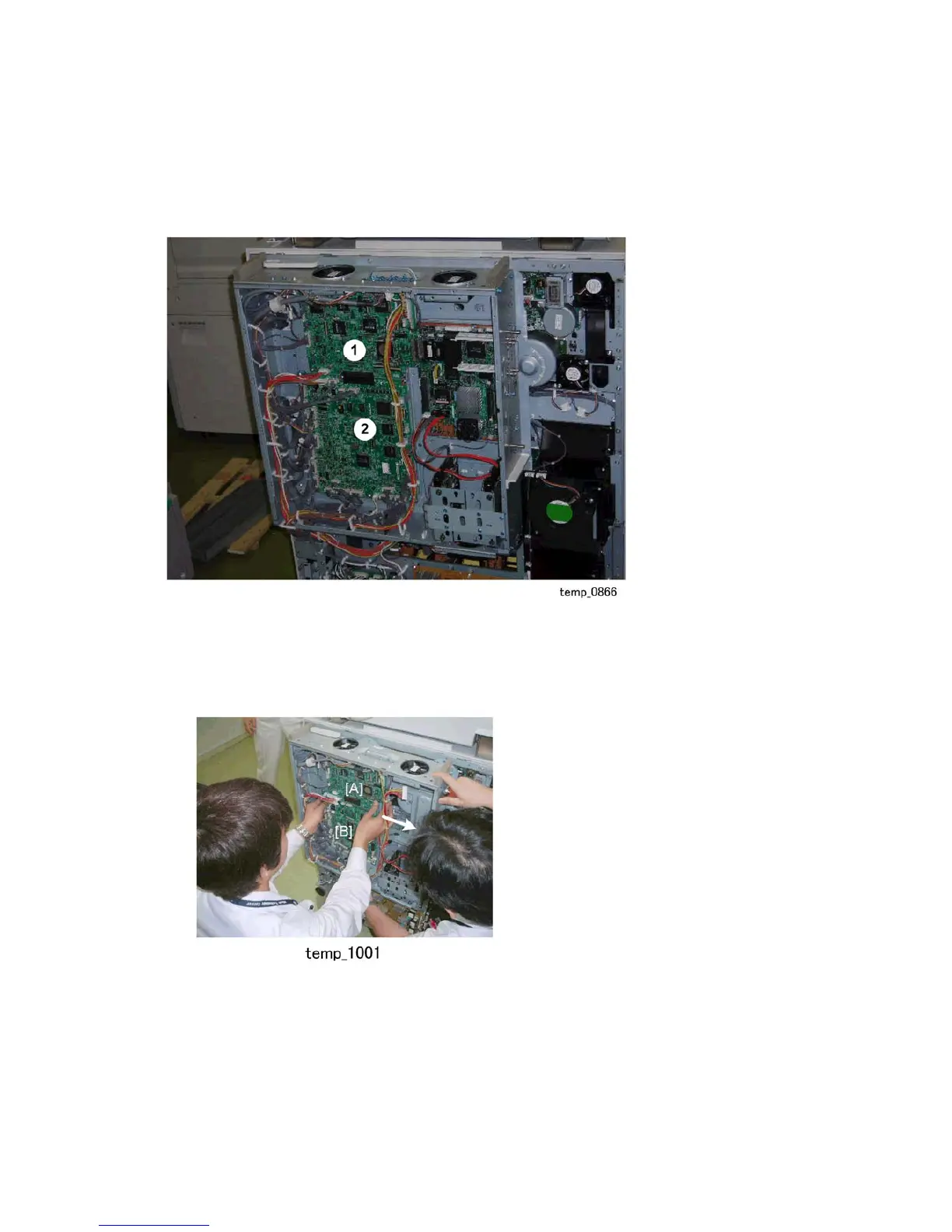
The IPU { and VBCU are connected and mounted on same plate. They must be
removed together.
The controller board must be removed before the IPU/VBCU can be removed.
1. Remove the controller board.
2. Disconnect the boards.
[A] IPU ( x8)
[B] VBCU ( x26)
3. Slide the plate with the boards attached to the right.



 To Next Page