Common Procedures
SM 3-9 D014/D015/D078/D079
Replacement
Adjustment
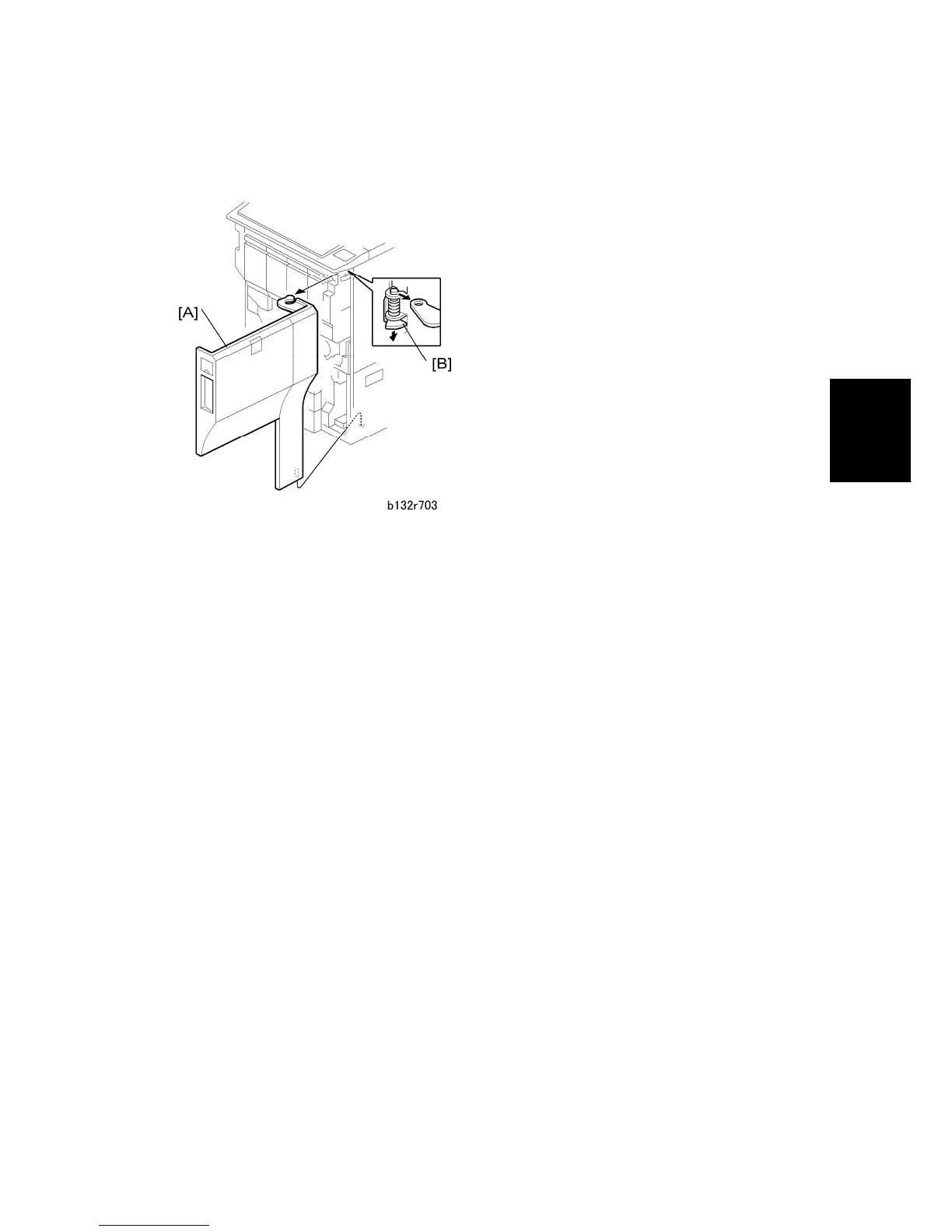
3.2.4 FRONT DOOR
1. Grip the front door [A] with one hand.
2. Press down the hinge bracket [B].
3. Lift the front door slightly to remove it.
If you must replace the front door, make sure that you put the SD cards from the
storage location in the old front door into the storage location in the new front door.



 To Next Page