LCT (B473), LCT Adapter (B699)
D014/D015/D078/D079 1-56 SM
4. Cover the photosensor [A] with your left hand.
5. Press the bottom plate operation button [B] until the bottom plate [C] is completely
down, then release the button [B].
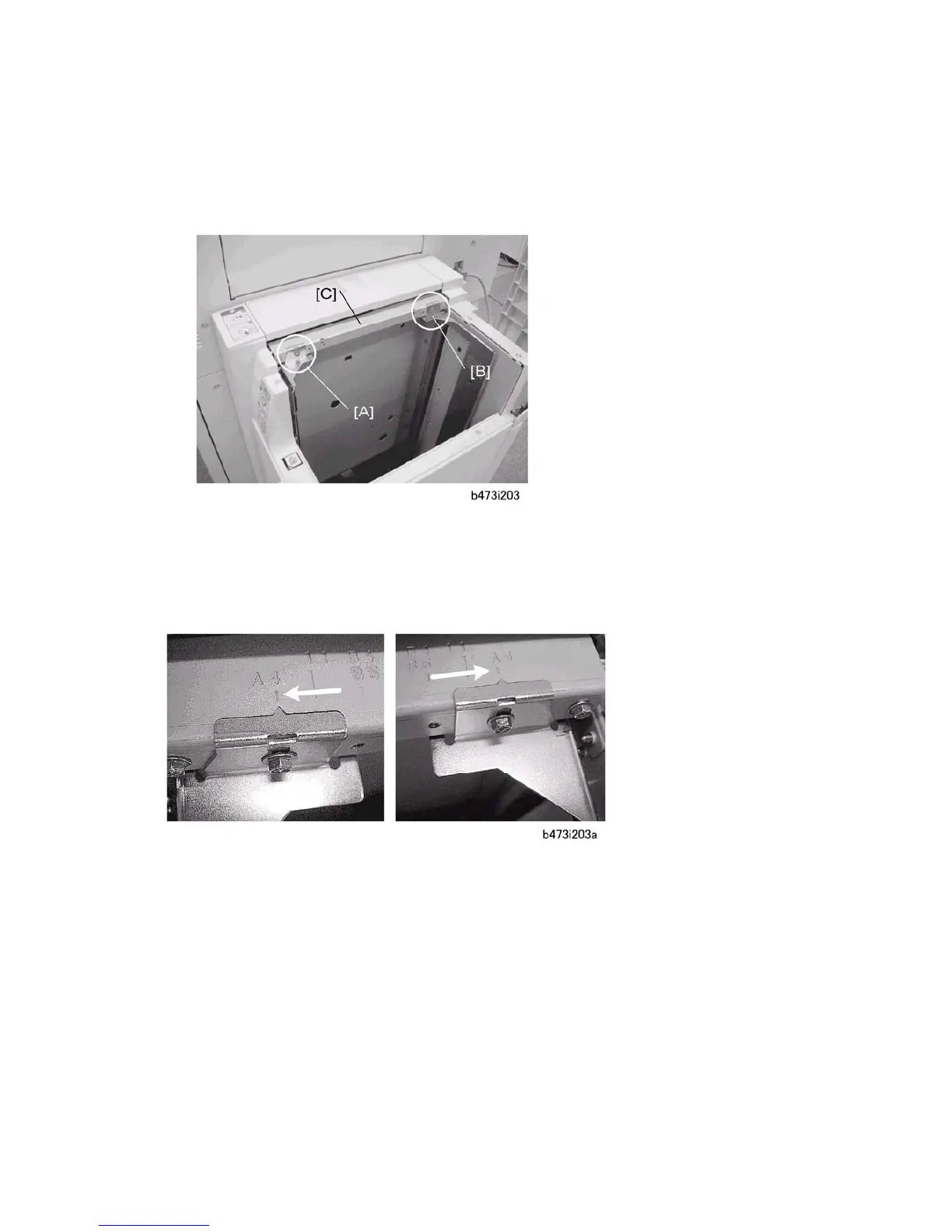
6. Use a screw driver to remove the screws fastened to fences [A] and [B] so that the
fences slide easily on plate [C].
1. Move each side fence bracket from the A4 to the LT position, then reattach the screws.



 To Next Page