Copier D014/D015/D078/D079
SM 1-15 D014/D015/D078/D079
Installation
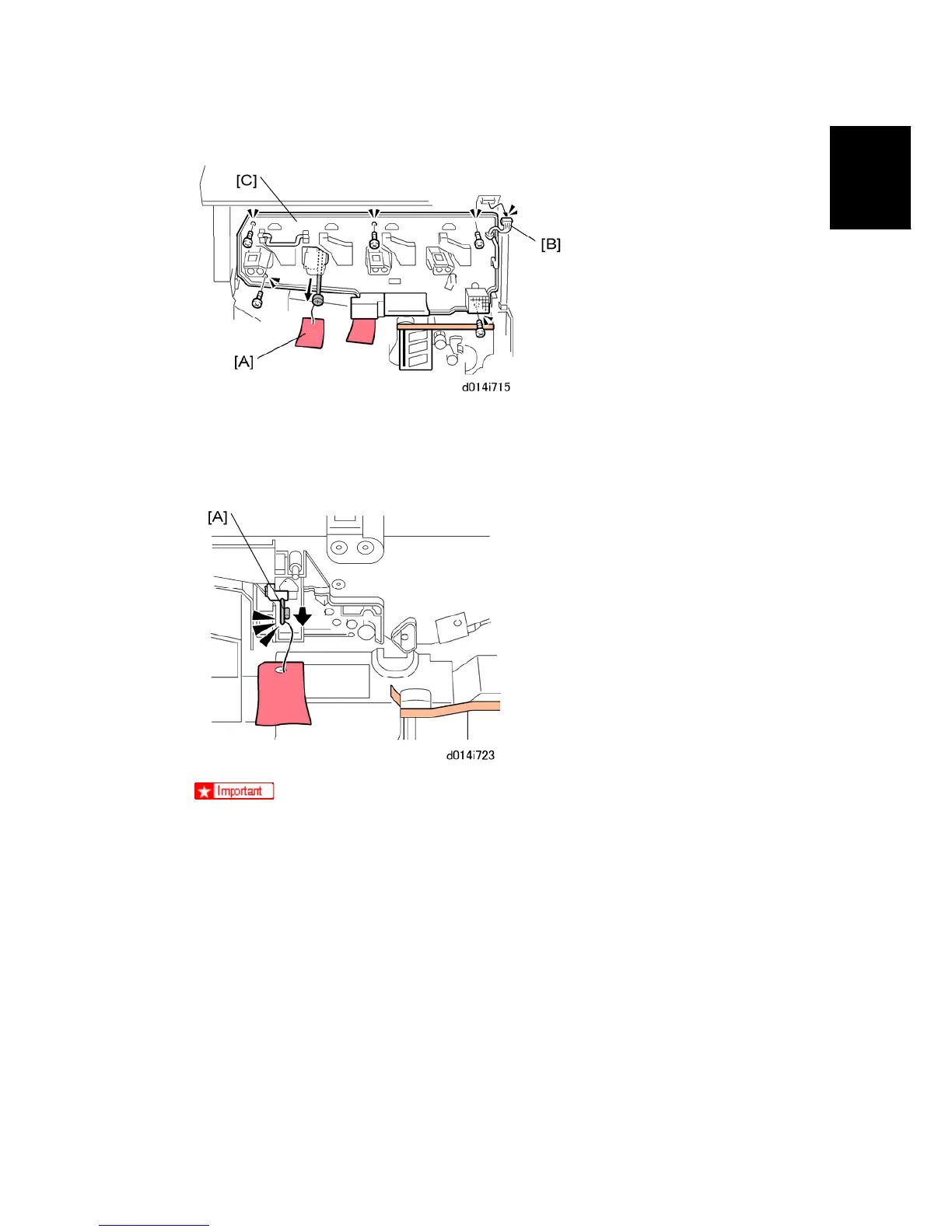
8. Remove the tag, and rod [A] ( x 1).
9. Disconnect the fan connector [B].
10. Remove the faceplate [C] ( x 5).
Do not pull out the drawer unit until after you remove the stabilizing rod
and tag.
11. Pull on the reinforced ring of the red tag to pull out the stabilizing rod [A].



 To Next Page