Copier D014/D015/D078/D079
SM 1-17 D014/D015/D078/D079
Installation
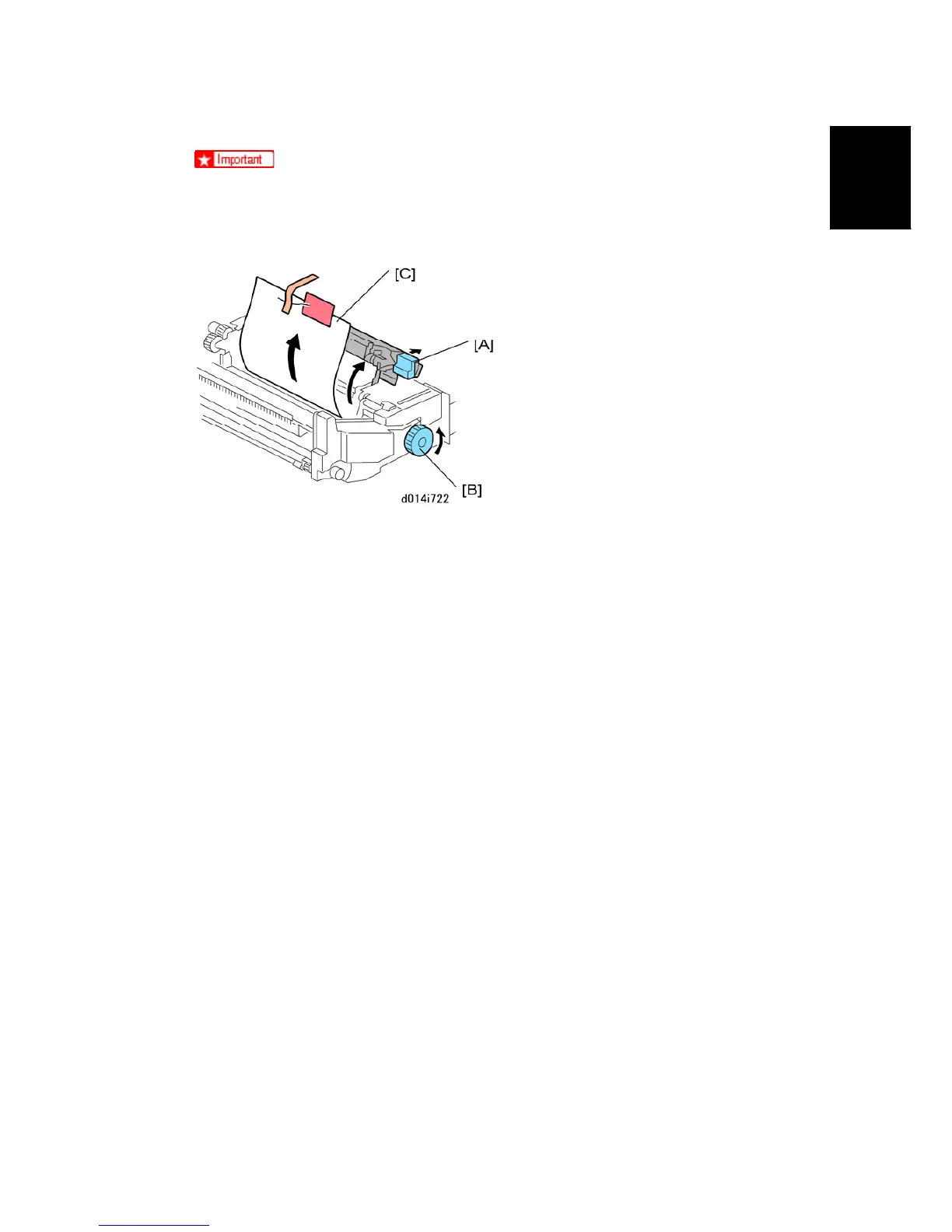
A sheet of paper protects the ITB if you accidentally pull the drawer out without
first removing the rod. Do not push the drawer into the machine. Follow the
procedure on the instruction sheet to remove the rod and paper.
3. Raise lever D2 [A] of the fusing unit.
4. Turn knob D1 [B] in the direction shown by the arrow.
5. Remove protective sheet [C] with tape and red tag.
6. Lower lever D2 [A].
7. Push the drawer into the machine until it stops.
8. Rotate handle B2 up and to the right until it stops.



 To Next Page