Fold Unit
SM 11 B804/B805/D373/D374
Booklet
Finisher/
Finisher
B804/B805/
D373/D374
Support the fold unit with your hand to prevent it from falling.
The fold unit is heavy.
6. Folding unit [D] ( x4, = x2, x6)
If you have replaced the folding unit:
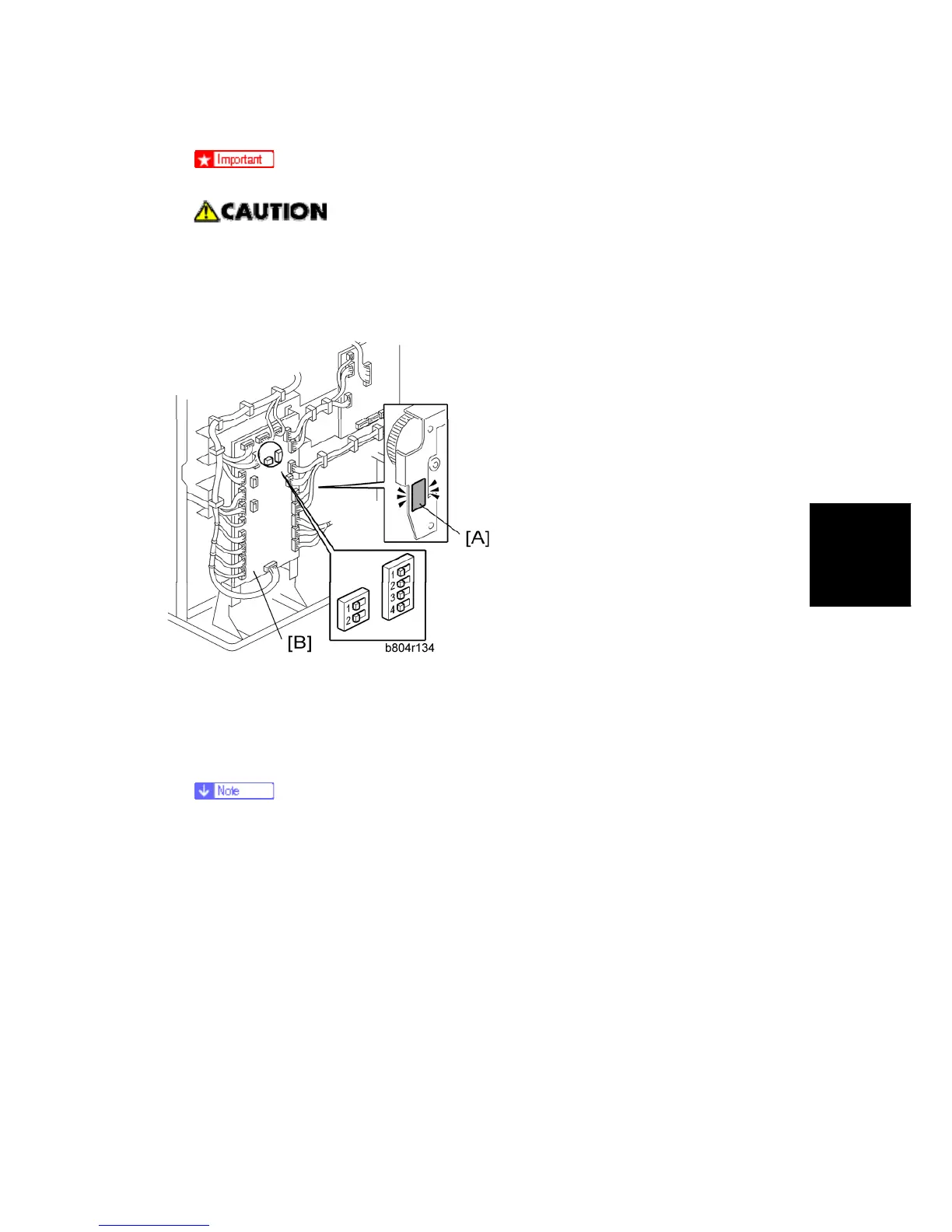
1. Read the DIP SW settings on the decal [A] attached to the back of the new folding unit.
2. Check the DIP SW settings on the main board [B] of the finisher.
3. If these settings are different, change these settings to match the settings printed on the
decal attached to the folding unit.
Set DIP switches 1 to 4 (the switch set on the right). Do not touch the other DIP
switches.



 To Next Page