Installation
D356 8 SM
Before installing this optional unit,
Print out all data in the printer buffer.
Turn off the main switch and disconnect the power cord and the network cable.
You can add two more SG3 boards to this model. Follow the procedures for adding the
single SG3 board installation or double SG3 boards installation.
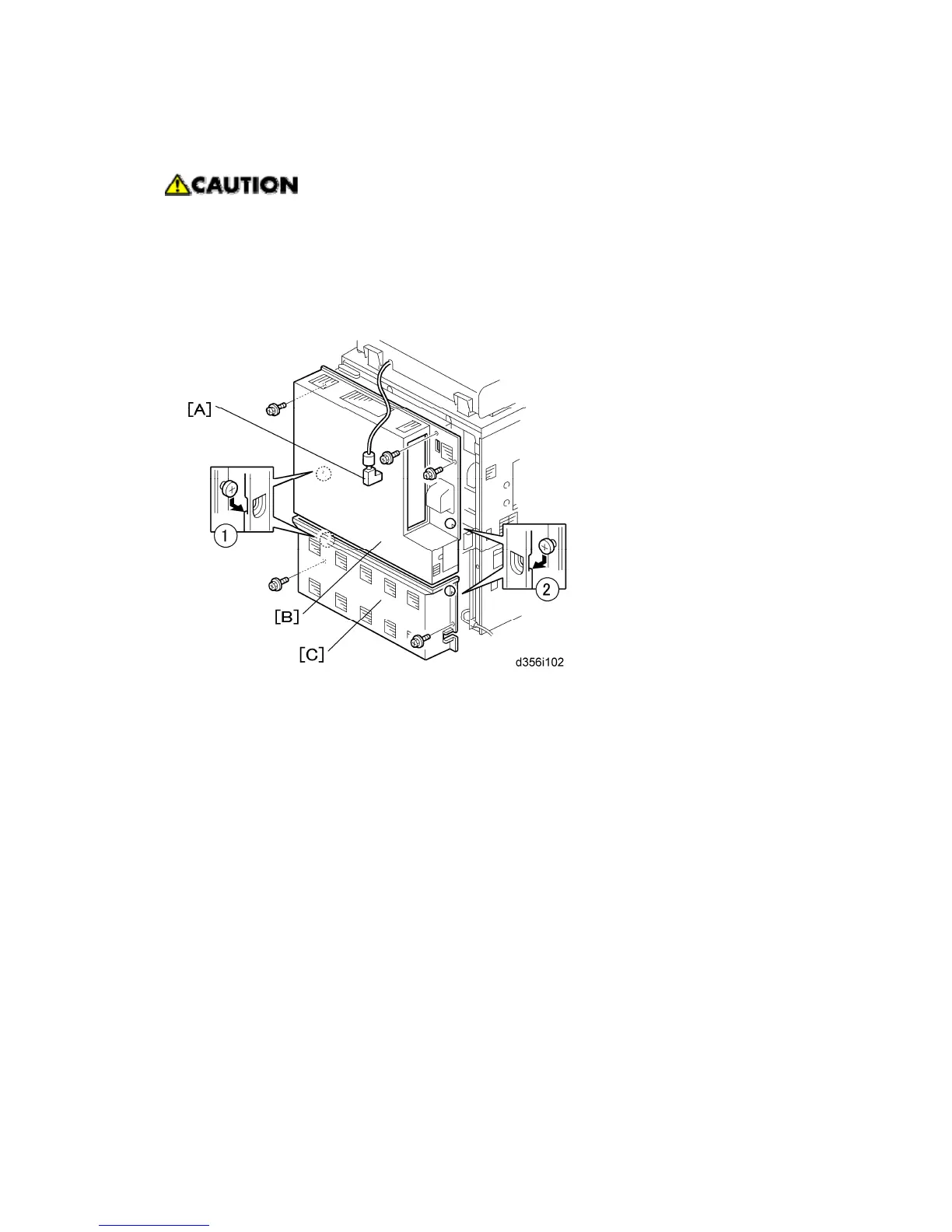
1. Disconnect the ARDF connector [A].
2. Remove:
[B] Upper cover (x2, Stepped x2)
[C] Lower Cover (x2)



 To Next Page