Fax Communication Features
D356 204 SM
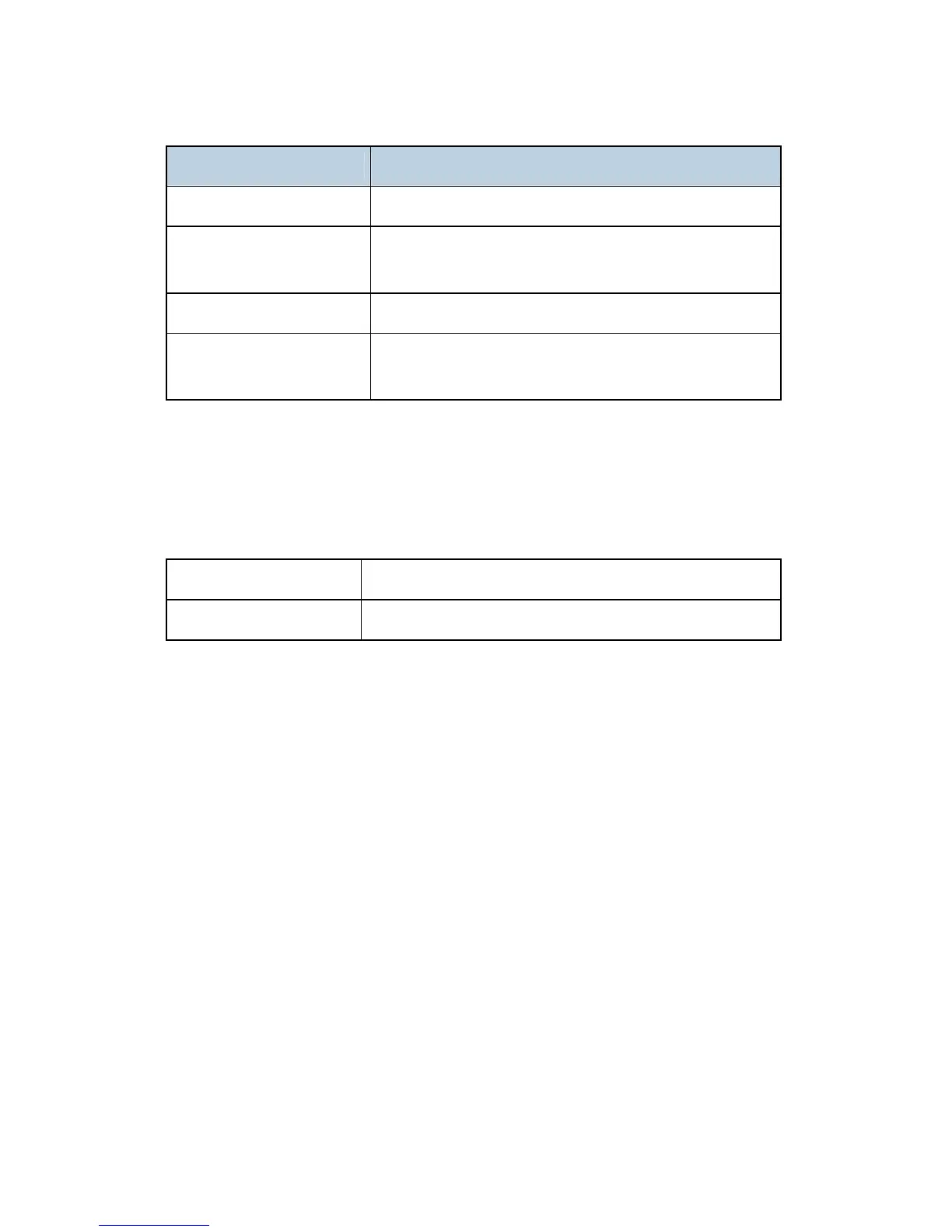
Field Content
Subject From CSI or RTI (Fax Message No. xxxx)
Content Type
Multipart/mixed
Attached files: image/tiff
Content Transfer Encoding Base 64, 7-bit, 8-bit, Quoted Printable
Message Body
MIME-converted TIFF-F (MIME standards specify how
files are attached to e-mail messages)
Direct SMTP Transmission
Internet Fax documents can be sent directly to their destinations without going through the
SMTP server. (Internet Faxes normally transmit via the SMTP server.)
For example:
e-mail address:
gts@ricoh.co.jp
SMTP server address:
gts.abcd.com
In this case, this feature destination e-mail address (gts@ricoh.co.jp) is read as the SMTP
server address "gts.abcd.com", and the transmissions bypass the SMTP server.
Selectable Options
These options are available for selection:
With the default settings, the scan resolution can be either standard or detail. Inch-mm
conversion before TX depends on IFAX SW01 Bit 7. Detail resolution will be used if
Super Fine resolution is selected, unless Fine resolution is enabled with IFAX SW01.
The requirements for originals (document size, scan width, and memory capacity) are
the same as for G3 fax memory TX.
The default compression is TIFF-F format.
IFAX SW00: Acceptable paper widths for sending
IFAX SW09: Maximum number of attempts to the same destination



 To Next Page