IP-Fax
SM 213 D356
D356
Fax Option
Type C7500
5.5 IP-FAX
5.5.1 WHAT IS IP-FAX?
For details: Core Technology Manual – Facsimile Processes – Faxing from a PC –
Internet/LAN Fax Boards – IP-FAX
5.5.2 T.38 PACKET FORMAT
TCP is selected by default for this machine, but you can change this to UDP with IPFAX
SW 00 Bit 1.
UDP Related Switches
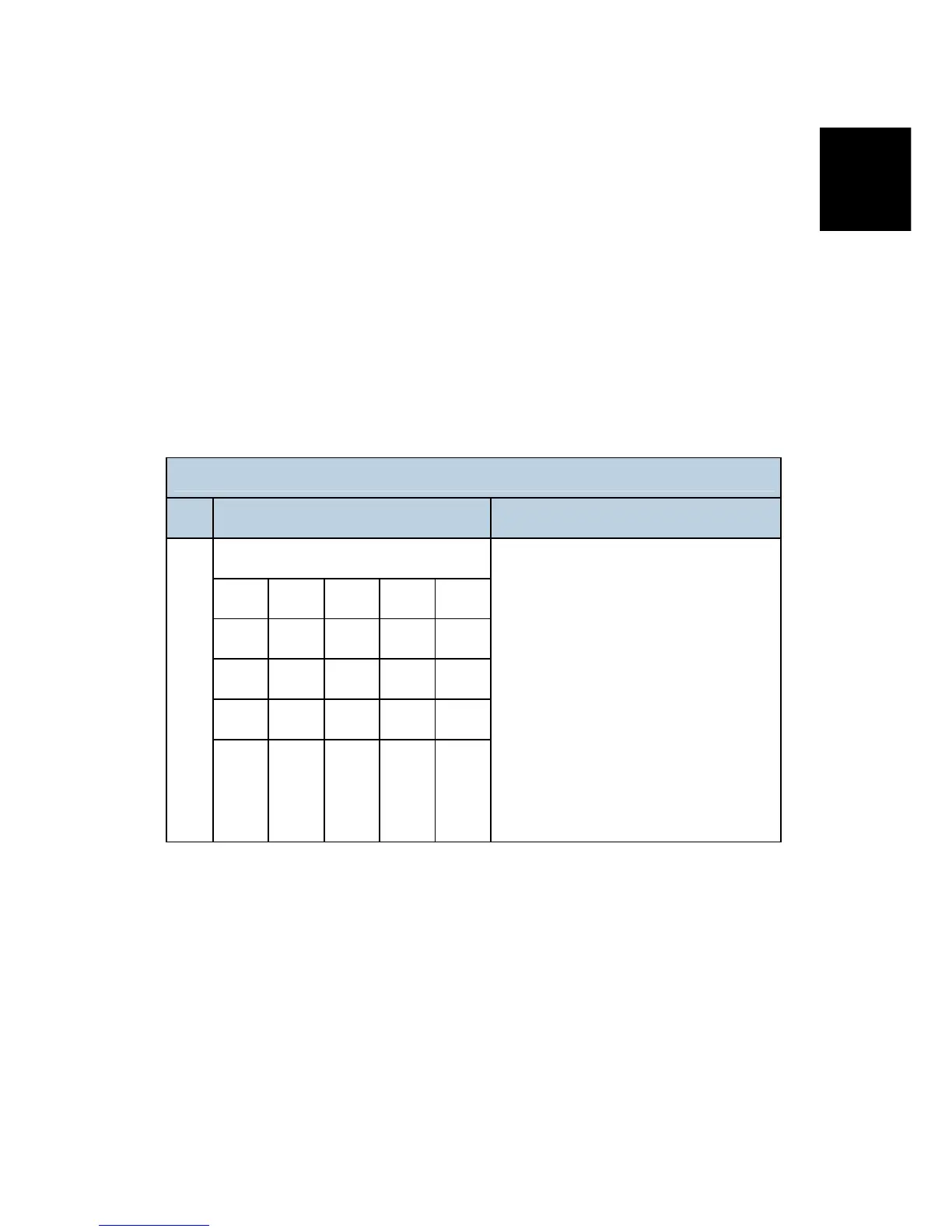
IP-Fax Switch 01
No. Function Comments
Select IP FAX Delay Level
Bit 3 Bit 2 Bit 1 Bit 0 Level
0 0 0 0 0
0 0 0 1 1
0 0 1 0 2
0-3
0 0 1 1 3
Raise the level by selecting a higher
setting if too many transmission errors
are occurring on the network.
If TCP/UDP is enabled on the network,
raise this setting on the T.30 machine.
Increasing the delay time allows the
recovery of more lost packets.
If only UDP is enabled, increase the
number of redundant packets.
Level 1~2: 3 Redundant packets
Level 3: 4 Redundant packets
5.5.3 SETTINGS
User parameter switch 34 (22[H]), bit 0
IP-Fax Gate Keeper usage, 0: No, 1: Yes
IP Fax Switches: Various IP-FAX settings (see the bit switch table)



 To Next Page