MFP Controller Options
SM 1-179 D014/D015/D078/D079
Installation
2. Remove:
Rear upper cover.
Controller box cover
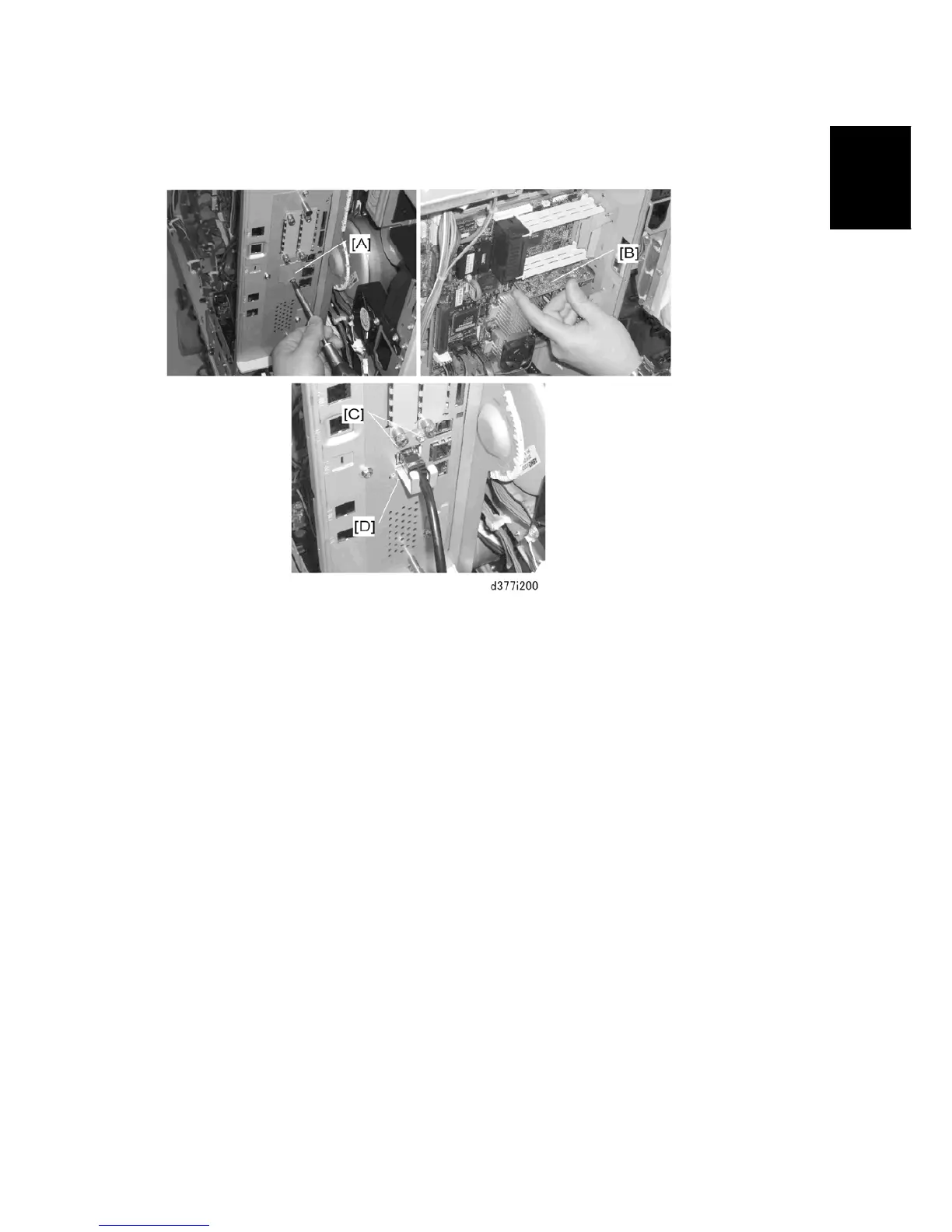
Cover [A] of Slot C ( x1)
3. Insert the edge connector of the gigabit Ethernet PCB [B] into its slot on the controller
board.
4. On the other side of the faceplate, fasten the PCB ( x2).
5. Attach the cable.
6. With the prongs of the protector plate [D] on both sides of the attached cable, fasten
the protector plate to the controller box face plate ( x1).
Rev. 03/2008



 To Next Page