Firmware Update
SM 3-141 D014/D015/D078/D079
Replacement
Adjustment
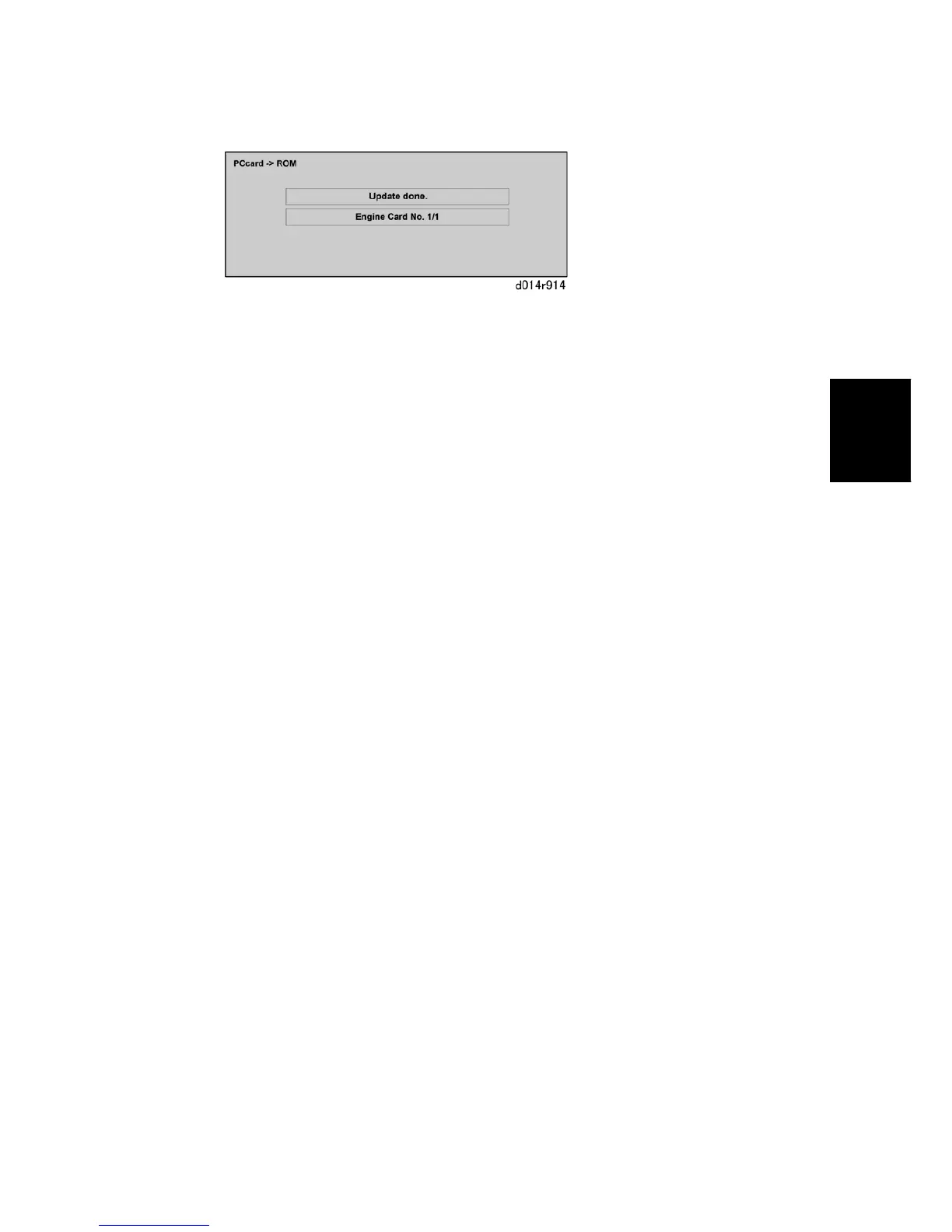
The update is complete when you see the "Update done" message.
The update requires about 2.5 minutes.
10. When you see the update completed message, turn the machine off.
11. Remove the SD card from the SD card slot.
12. Switch the machine on.
This completes the update procedure.



 To Next Page