Group 8000
SM 5-323 D014/D015/D078/D079
Service
Tables
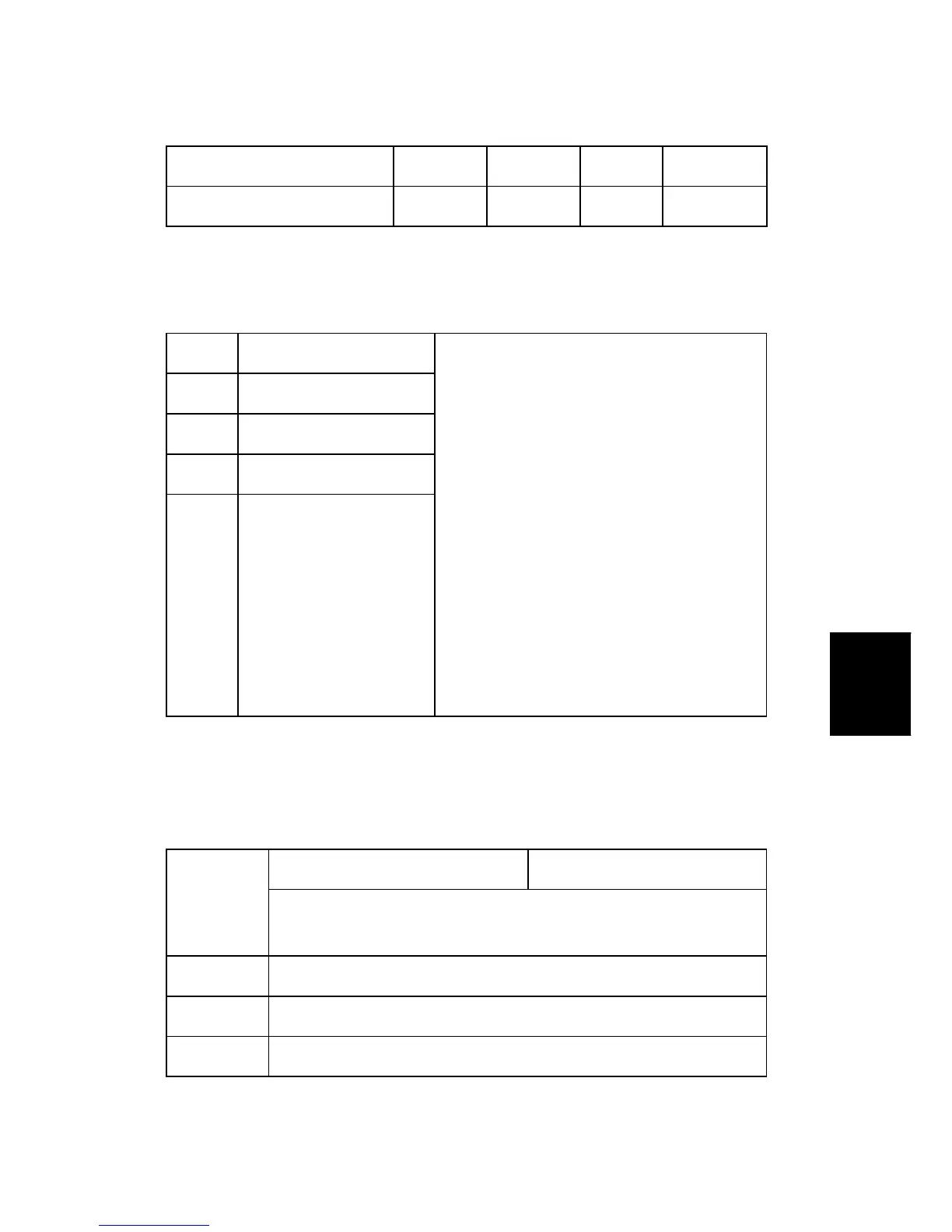
824x 9: Grayscale Yes No Yes No
824x 10: Color Yes No Yes No
If the scan mode is changed during the job, for example, if the user switches from ADF
to Platen mode, the count is done for the last selected mode.
8251 T:Scan PGS/ImgEdt
8252 C:Scan PGS/ImgEdt
8255 P:Scan PGS/ImgEdt
8256 L:Scan PGS/ImgEdt
8257 O:Scan PGS/ImgEdt
These SPs show how many times Image Edit
features have been selected at the operation
panel for each application. Some examples of
these editing features are:
Erase> Border
Erase> Center
Image Repeat
Centering
Positive/Negative
[0~9999999/ 1]
Note: The count totals the number of times the
edit features have been used. A detailed
breakdown of exactly which features have
been used is not given.
The L: counter counts the number of pages stored from within the document server
mode screen at the operation panel, and with the Store File button from within the
Copy mode screen.
T:Scn PGS/ColCr [0~9999999/ 1]
8261
These SPs count the total number of scanned pages by the color
processing mode used.
8261 1 Color Conversion
8261 2 Color Erase
8261 3 Background



 To Next Page