Scanner Unit
SM 6-15 D014/D015/D078/D079
Detailed
Descriptions
A4/A3 LT/DLT L3 L2 L1 W1 W2
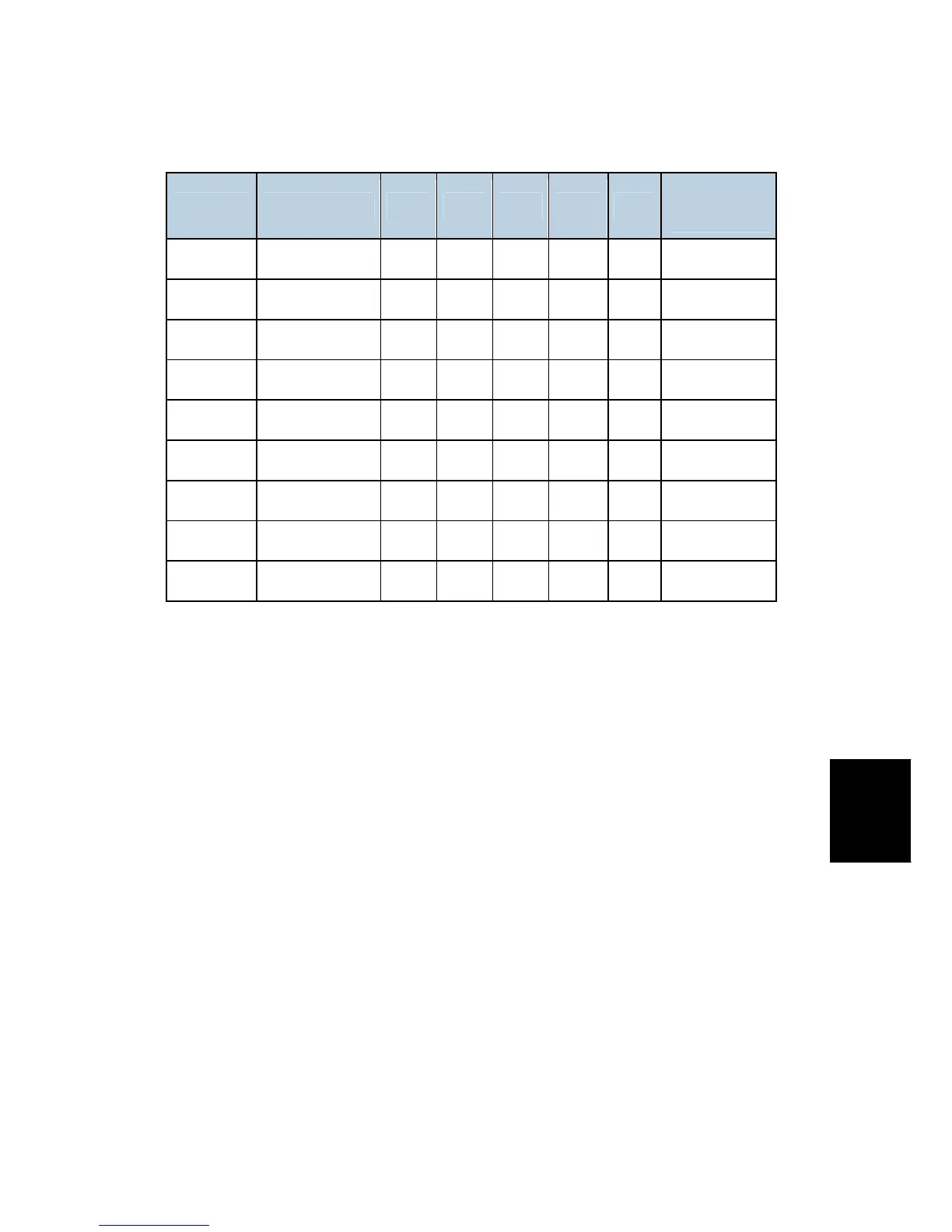
SP4301
Display
A3 11" x 17" 1 1 1 1 1 000 11111
B4 — 1 1 1 1 0 000 11110
A4 SEF 8½" x 11" 0 1 1 0 0 000 01100
8½ x 14" 1 1 1 0 0 000 11100
A4 LEF 11" x 8½" 0 0 0 1 1 000 00011
B5 SEF — 0 0 1 0 0 000 00100
B5 LEF — 0 0 0 1 0 000 00010
A5 SEF 5½" x 8½" 0 0 0 0 0 000 00000
A5 LEF 8½" x 5½" 0 0 0 0 0 000 00000
1: On (Paper Detected), 0: Off (Paper Not Detected)
Note: If the original is small (such as A5-LEF), all sensors are off and the machine shows
that the original size cannot be detected. However, you can force the machine to detect
A5/HLT in this case if you adjust SP4303 (there are settings for A5/HLT SEF and A5/HLT
LEF).
Detection Timing
The APS sensors are always active when the machine is powered on, but the CPU checks
their signals only after the platen has been lowered.
Book Mode
When the ARDF is open in the Book mode, the CPU checks the APS sensors and
determines the original size after the [Start] key has been pressed.



 To Next Page