A3/11" X 17" Paper Size Tray (B331)
SM 1-41 D014/D015/D078/D079
Installation
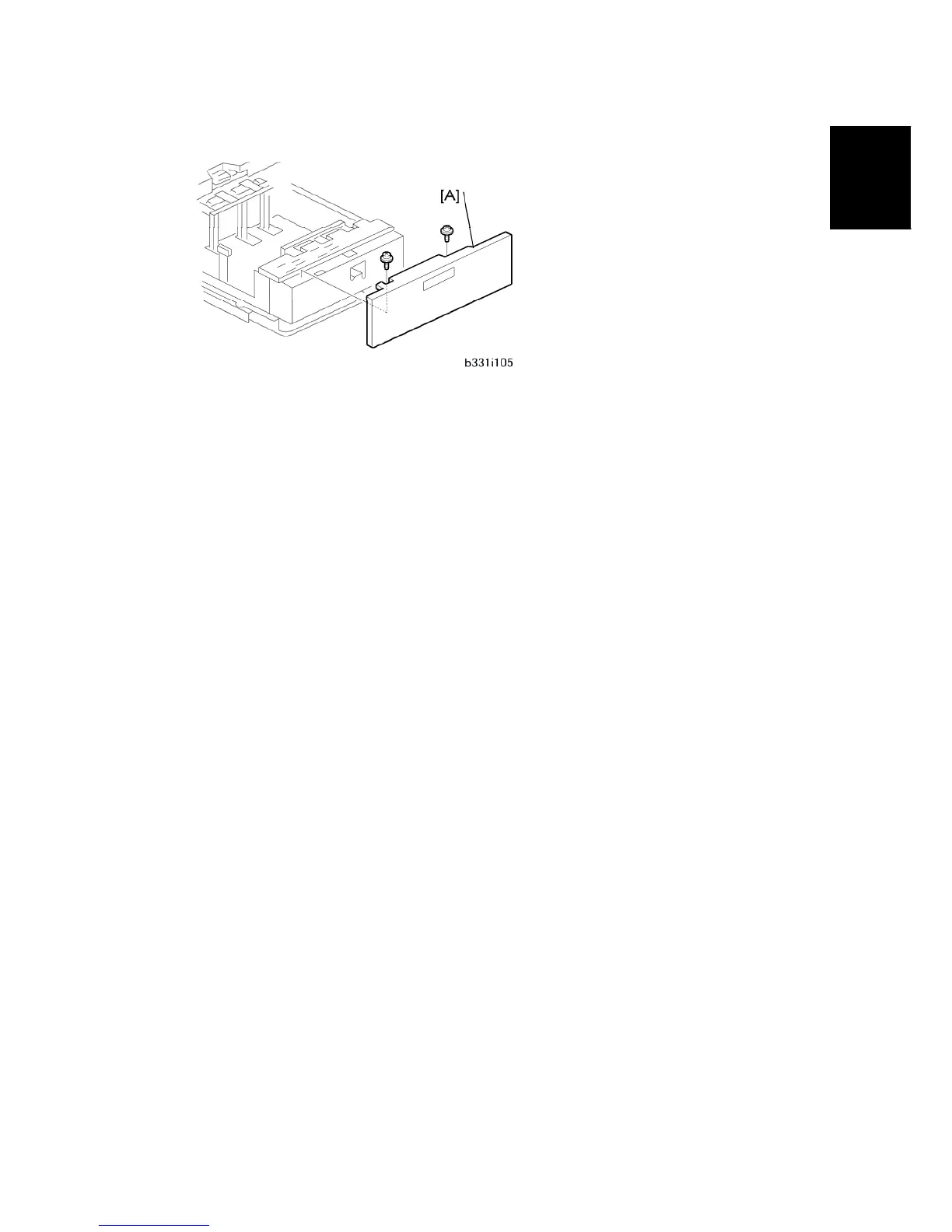
11. Install the front cover [A] ( x 2) that was removed from the left tandem tray.
12. Use SP5959 001 to select the paper size for Tray 1 (A3 or DLT).
13. After you select the paper size, turn the machine off and on to change the indicator on
the operation panel.



 To Next Page