Installation
D356 6 SM
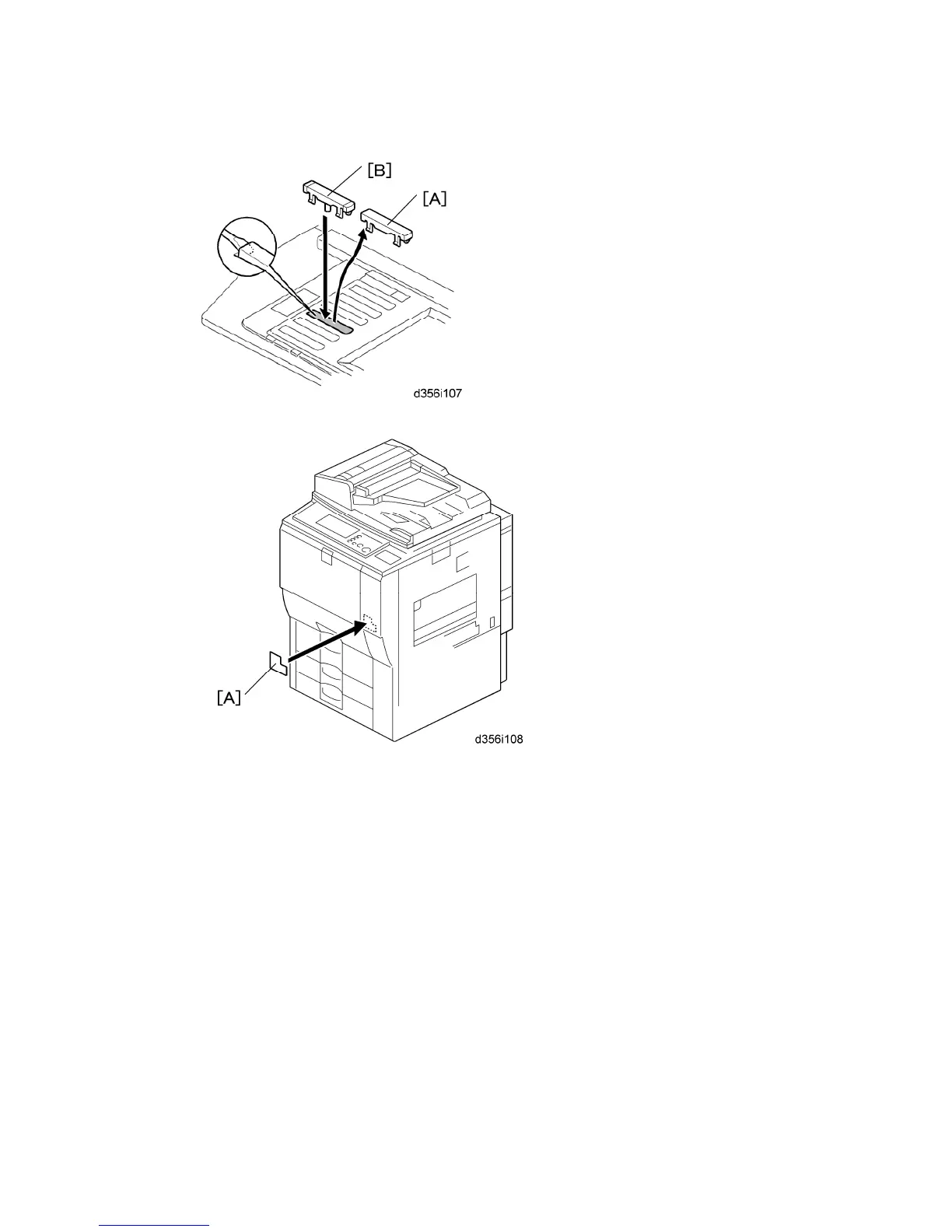
3. Replace the key slot cover [A] (fourth from the bottom) with the fax key [B].
4. Attach:
SUPER G3 decal [A]
Serial number decal under machine serial number decal
Numeric key decal on the operation panel keypad (for AA only)
5. Attach the FCC decal on the rear cover of the copier (NA only).
6. Confirm that the machine is grounded correctly at the power source.
7. Switch on the machine and confirm that it is operating correctly.
8. Confirm that the date and time settings (User Tools) are correct.
9. Keep the EMC address decal at the customer site.



 To Next Page