Laser Unit
D014/D015/D078/D079 3-28 SM
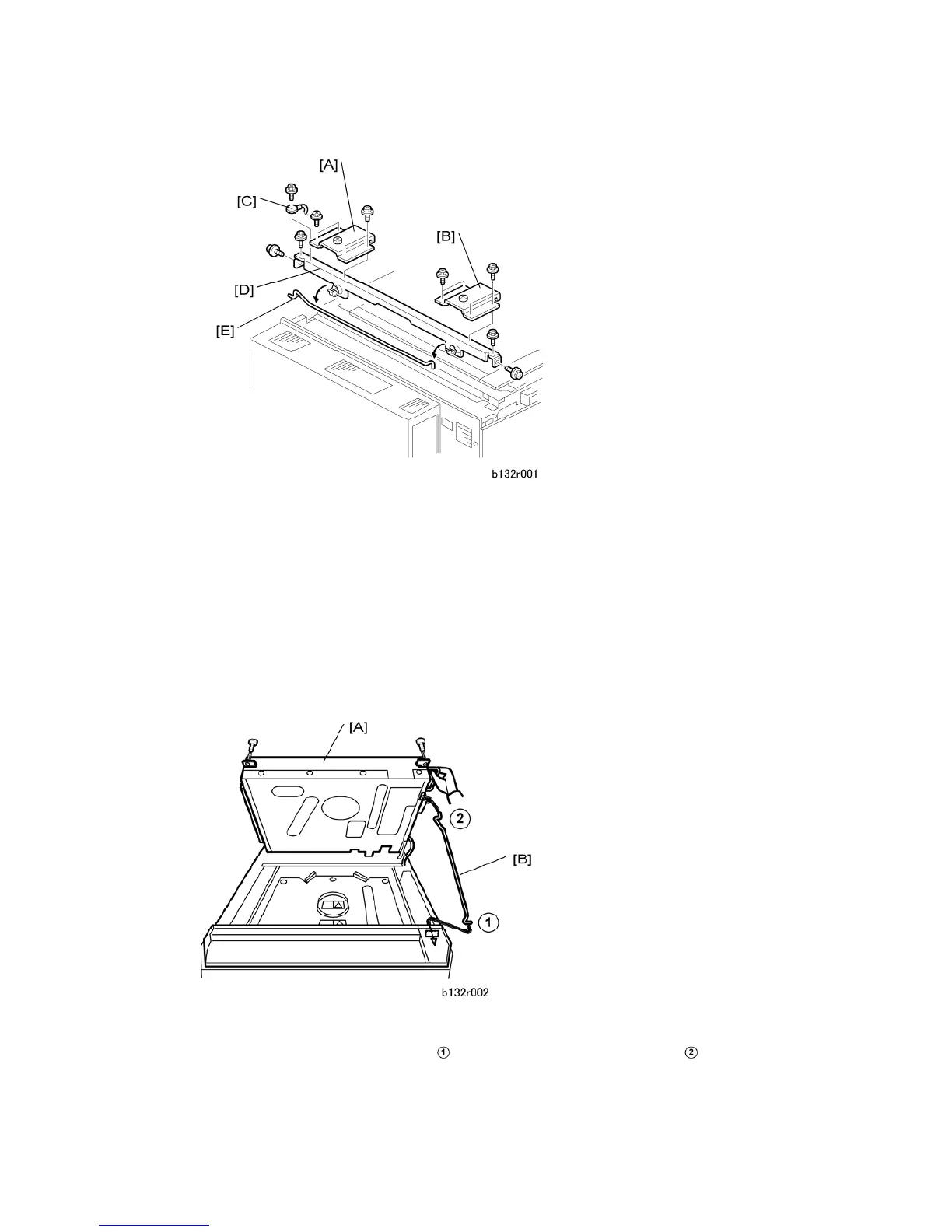
2. Remove:
[A] Left plate ( x4)
[B] Right plate ( x4)
[C] Ground wire ( x1)
[D] Cross piece ( x4)
[E] Detach the support rod from the rubber clamps.
Reinstallation
Be sure to reconnect ground wire [C].
1. Raise the scanner unit [A] ( x 2).
2. Set the support rod [B] at the base
, then under the front right corner of the
scanner unit.



 To Next Page