PCU
SM 3-49 D014/D015/D078/D079
Replacement
Adjustment
5. Attach the brown coupling [B] (removed from the PCU stand) to the other end of the
development roller.
Use the brown coupling provided with the PCU stand. Using the coupling of
the PCU could break it or wear it out.
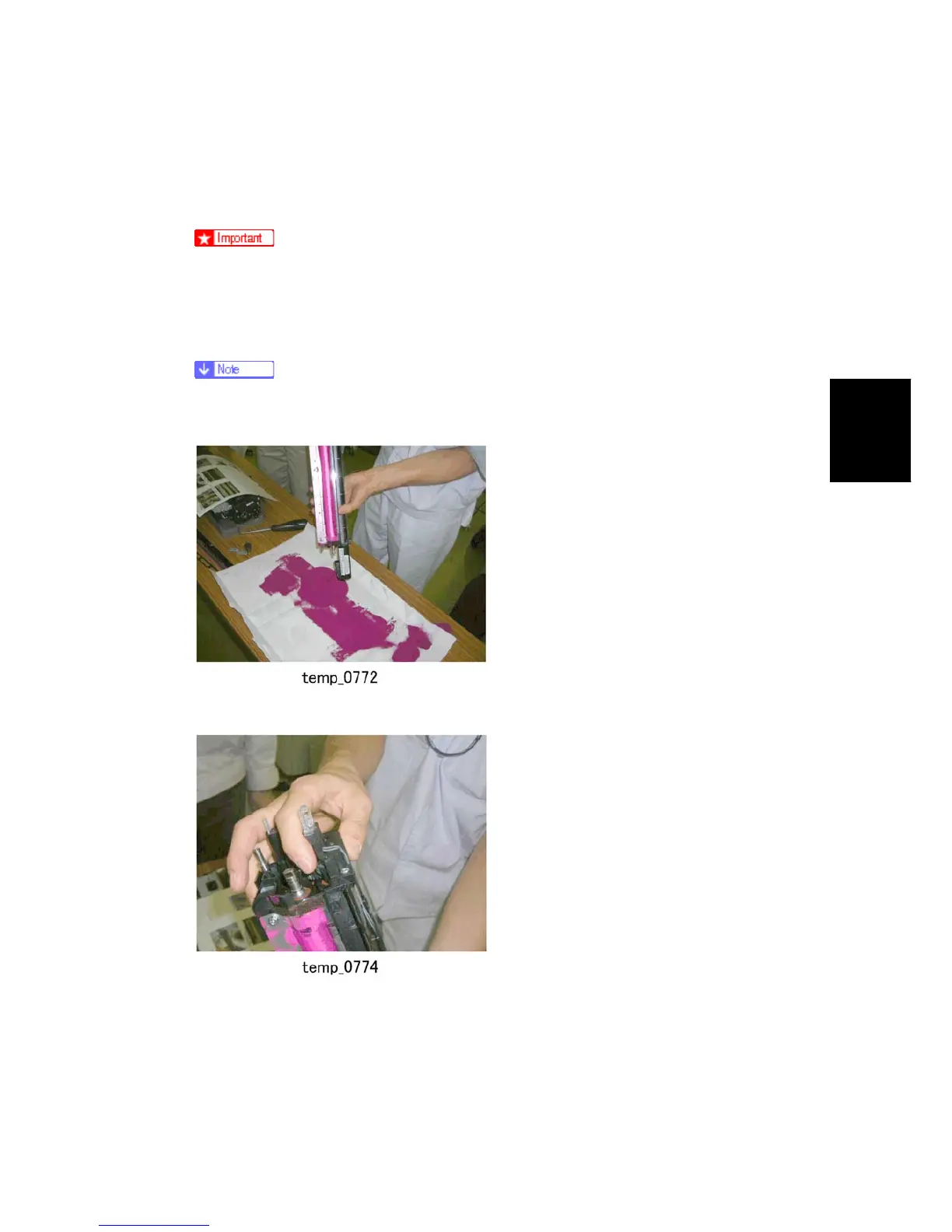
6. Rotate the brown coupling in the direction shown above so the developer [C] starts to
come out of the development unit.
Turning the brown coupling in the opposite direction will not damage anything
but developer will fail to come out of the development unit.
7. Tip the development unit on its end to dump any remaining developer.
8. Rotate the brown coupling again to push out more developer.



 To Next Page