PCU
D014/D015/D078/D079 3-56 SM
13. Enter the SP mode and do the appropriate SP codes:
SP Function
3814-1 All (KMCY)
3814-2 MCY Only
3814-3 K
3814-4 M
3814-5 C
3814-6 Y
3815
Confirms that SP3814 executed correctly by displaying "1111"
(KMCY). A "9" indicates an error
14. Confirm that the developer bottle is completely empty.
Each developer bottle must be completely empty. Even if SP3815 returned a "1"
for each bottle to indicate successful completion of the operation, there may be
toner remaining in a bottle. It is very important that you check each bottle visually.
If you see toner still remains in a bottle, do not disconnect the bottle. Refer to the
next section below.
15. Switch the machine off and disconnect the power cord.
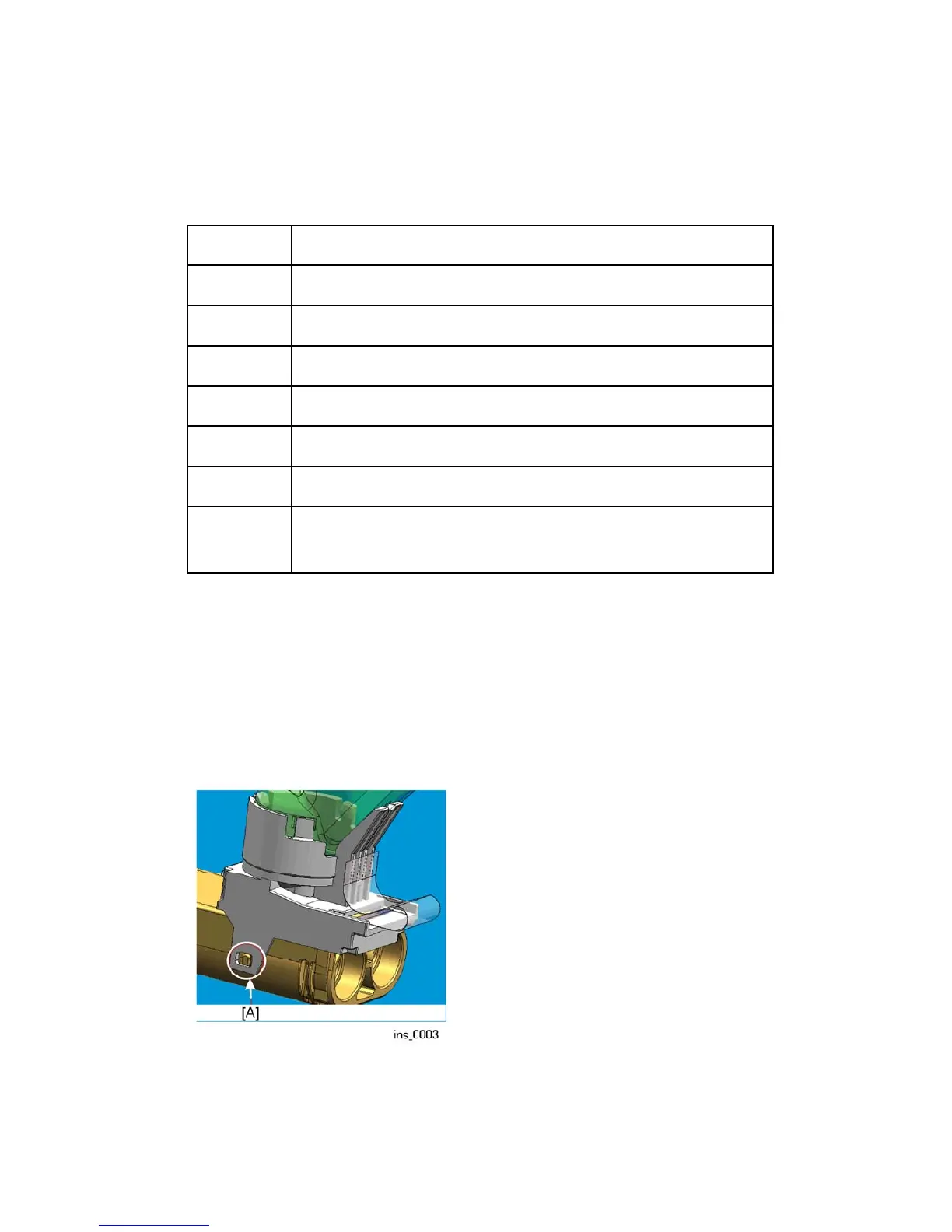
16. Remove the developer bottles. Use the tip of a small screwdriver to release the bottle
latch at [A].



 To Next Page