Group 3000
D014/D015/D078/D079 5-130 SM
3814 Execute Developer Fill
These SP codes fill the PCUs with developer from the developer bottle. After
doing one or more of these SP codes, always do SP3815 to confirm that the
PCUs filled successfully.
1 All (KMCY)
2 MCY Only
3 K
4 M
5 C
6 Y
1. Execute SP3814 after the machine has beeped twice. (This means that the fusing
temperature has reached the “Ready” condition level).
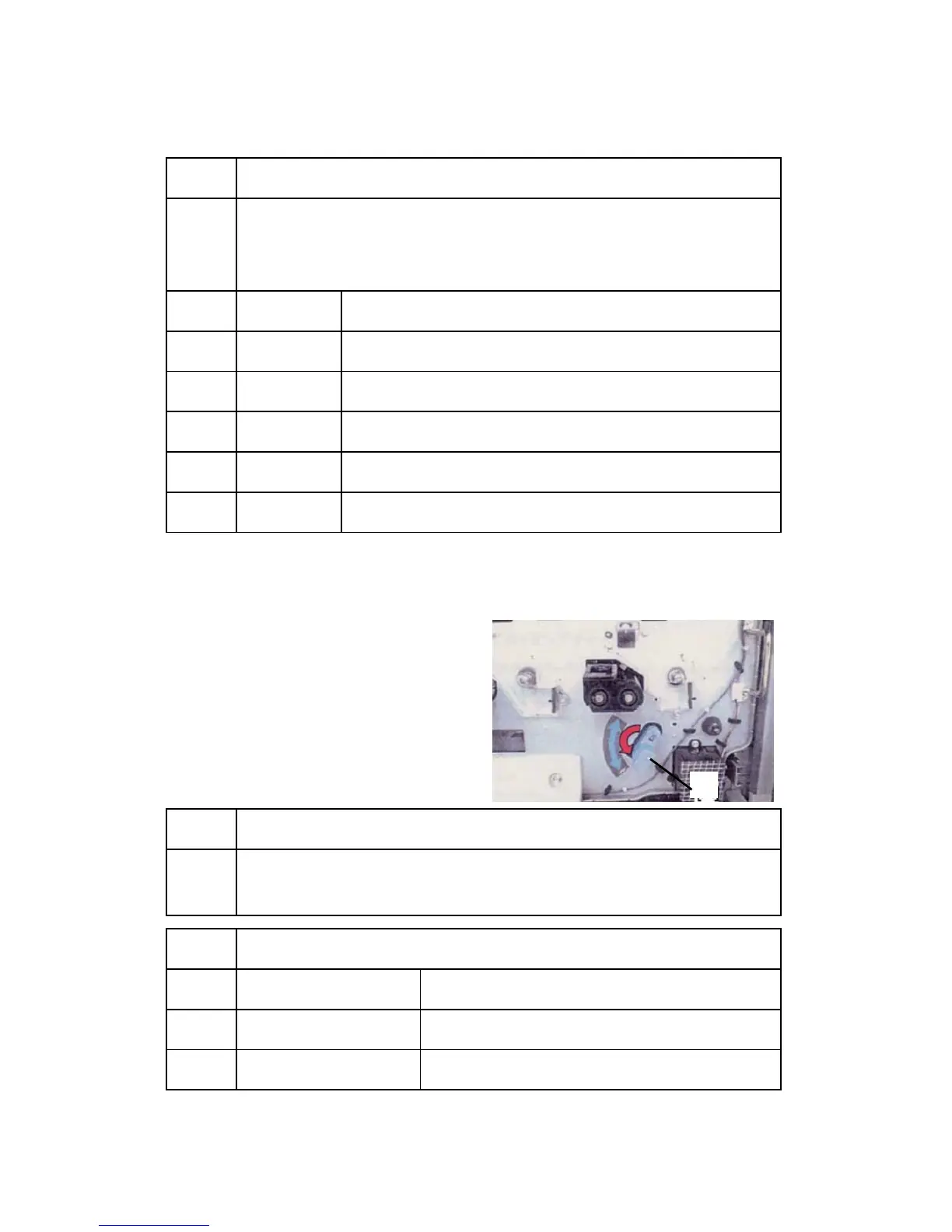
2. Make sure the ITB release level [A] is at the lower position (As shown below) when
you execute SP3814.
IMPORTANT: After you execute SP3814, set
the ITB release lever to the
upper position. This is
necessary in order to execute
SP3811 (Developer Set Up).
3815 Developer Fill:Disp Result
Always execute this SP code to confirm successful execution of SP3814.
Note!: The "1111" display is read from left to right: KMCY.
3816
Developer Fill:Set DFU
1 Belt Form Start Time:A
2 Developer Fill Time:B
3 Belt Length:C
[A]
⇒
Rev. 08/2008



 To Next Page