234 Time Zone Commands
clock timezone Use this command to set the offset to Coordinated Universal Time (UTC). If the
optional parameters are not specified, they will be read as either 0 or \0 as
appropriate.
The following shows an example of the command.
(CN1610) (Config)# clock timezone 5 minutes 30 zone INDA
no clock timezone Use this command to reset the time zone settings.
The following shows an example of the command.
(CN1610) (Config)# no clock timezone
show clock Use this command to display the time and date from the system clock.
The following shows example CLI display output for the command.
(CN1610) # show clock
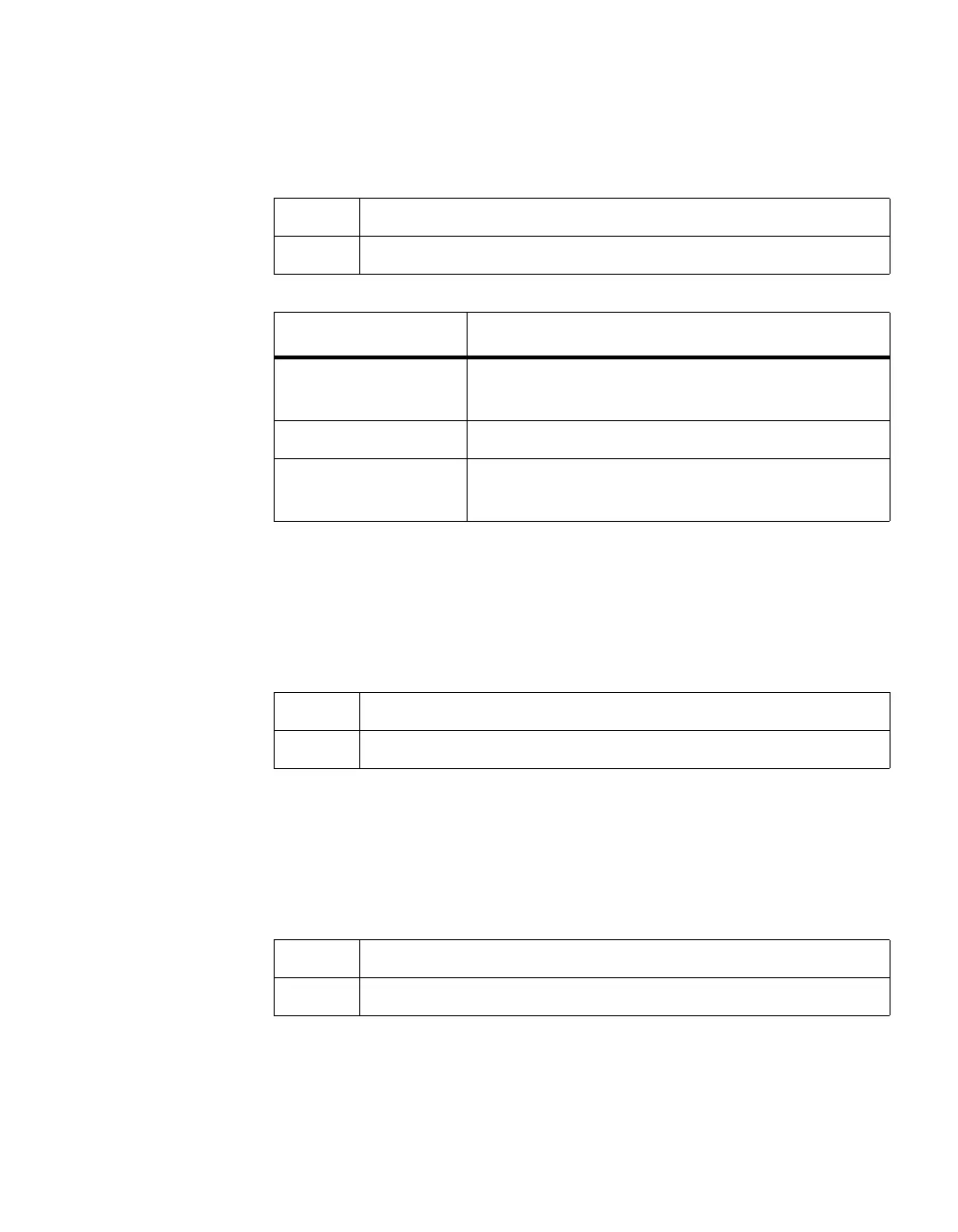
Format clock timezone {hours} [minutes minutes] [zone acronym]
Mode Global Config
Parameter Description
hours Hours difference from UTC. The range is -12 to
+13.
minutes Minutes difference from UTC. The range is 0 to 59.
acronym The acronym for the time zone. The range is up to
four characters.
Format no clock timezone
Mode Global Config
Format show clock
Mode Privileged EXEC



 To Next Page