Chapter 3: Management Commands 49
Changing the timeout value for active sessions does not become effective until
the session is re accessed. Also, any keystroke activates the new timeout duration.
show ip ssh
This command displays the ssh settings.
Format
no sshcon timeout
Mode Privileged EXEC
Format
show ip ssh
Mode Privileged EXEC
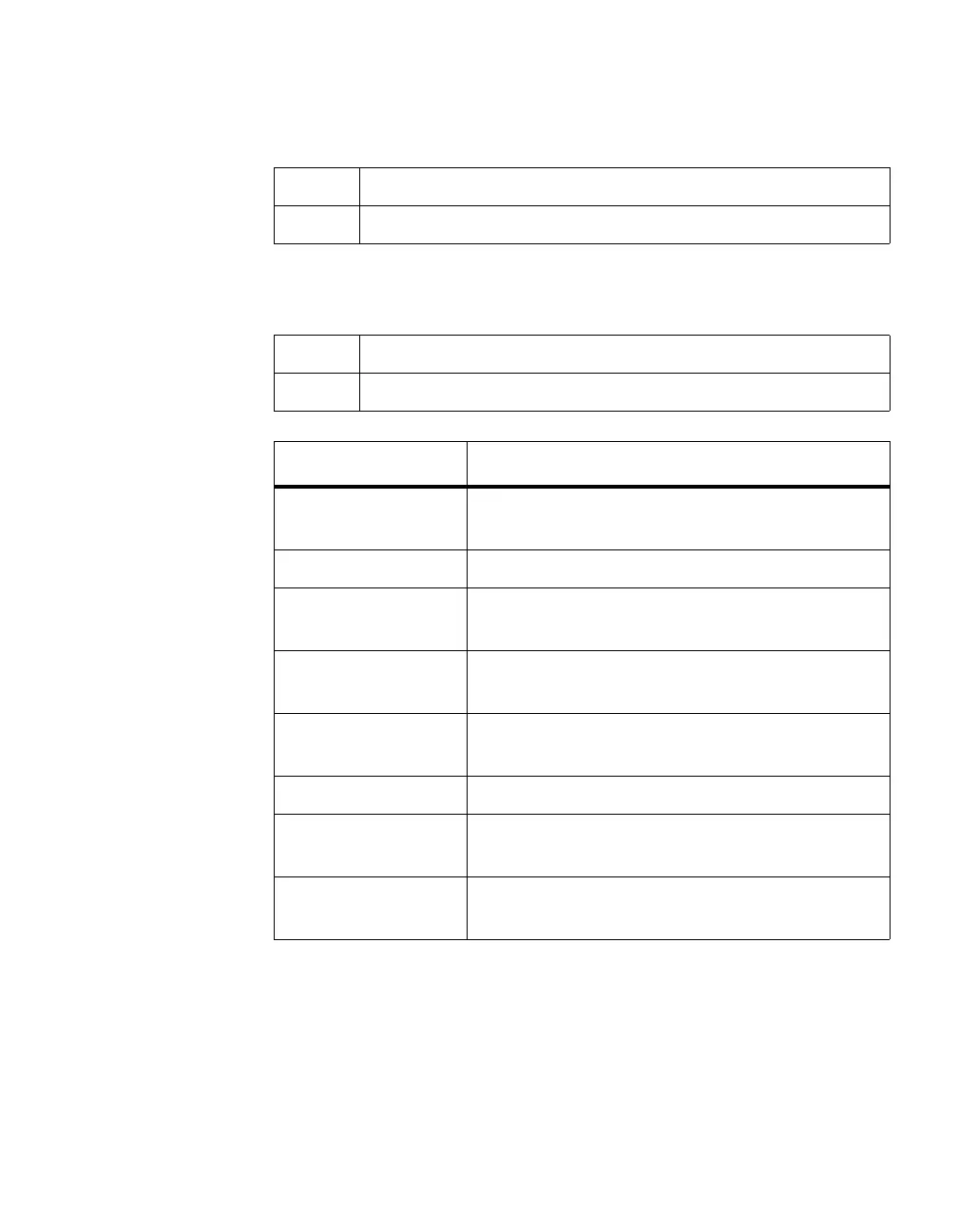
Term Definition
Administrative Mode This field indicates whether the administrative mode
of SSH is enabled or disabled.
SSH port The TCP port where the SSH server is listening
Protocol Level The protocol level may have the values of version 1,
version 2 or both versions 1 and version 2.
SSH Sessions
Currently Active
The number of SSH sessions currently active.
Max SSH Sessions
Allowed
The maximum number of SSH sessions allowed.
SSH Timeout The SSH timeout value in minutes.
Keys Present Indicates whether the SSH RSA and DSA key files
are present on the device.
Key Generation in
Progress
Indicates whether RSA or DSA key files generation
is currently in progress.



 To Next Page