464 Port-Channel/LAG (802.3ad) Commands
The following shows example CLI display output for the command.
(CN1610) #show port-channel 3/1 counters
Local Interface................................ 3/1
Channel Name................................... ch1
Link State..................................... Down
Admin Mode..................................... Enabled
Port Channel Flap Count........................ 0
Mbr Mbr Flap
Ports Counters
------ ---------
0/1 0
0/2 0
0/3 1
0/4 0
0/5 0
0/6 0
0/7 0
0/8 0
Mode Privileged EXEC
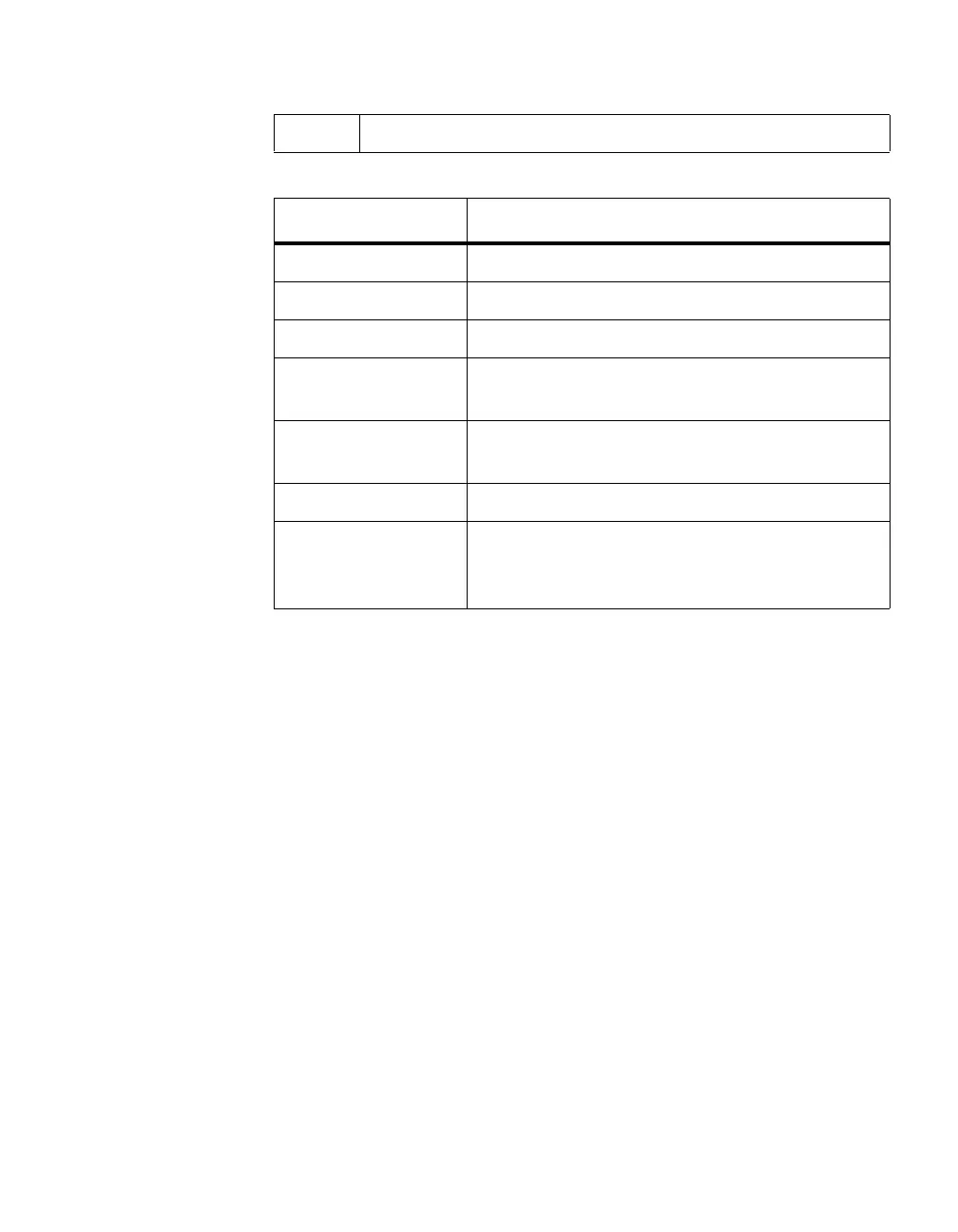
Term Definition
Local Interface The valid slot/port number.
Channel Name The name of this port-channel (LAG).
Link State Indicates whether the Link is up or down.
Admin Mode May be enabled or disabled. The factory default is
enabled.
Port Channel Flap
Count
The number of times the port-channel was inactive.
Mbr Ports The slot/port for the port member.
Mbr Flap Counters The number of times a port member is inactive,
either because the link is down, or the admin state is
disabled.



 To Next Page