EPSON AcuLaser CX11/CX11F Revision B
TROUBLESHOOTING Printer 275
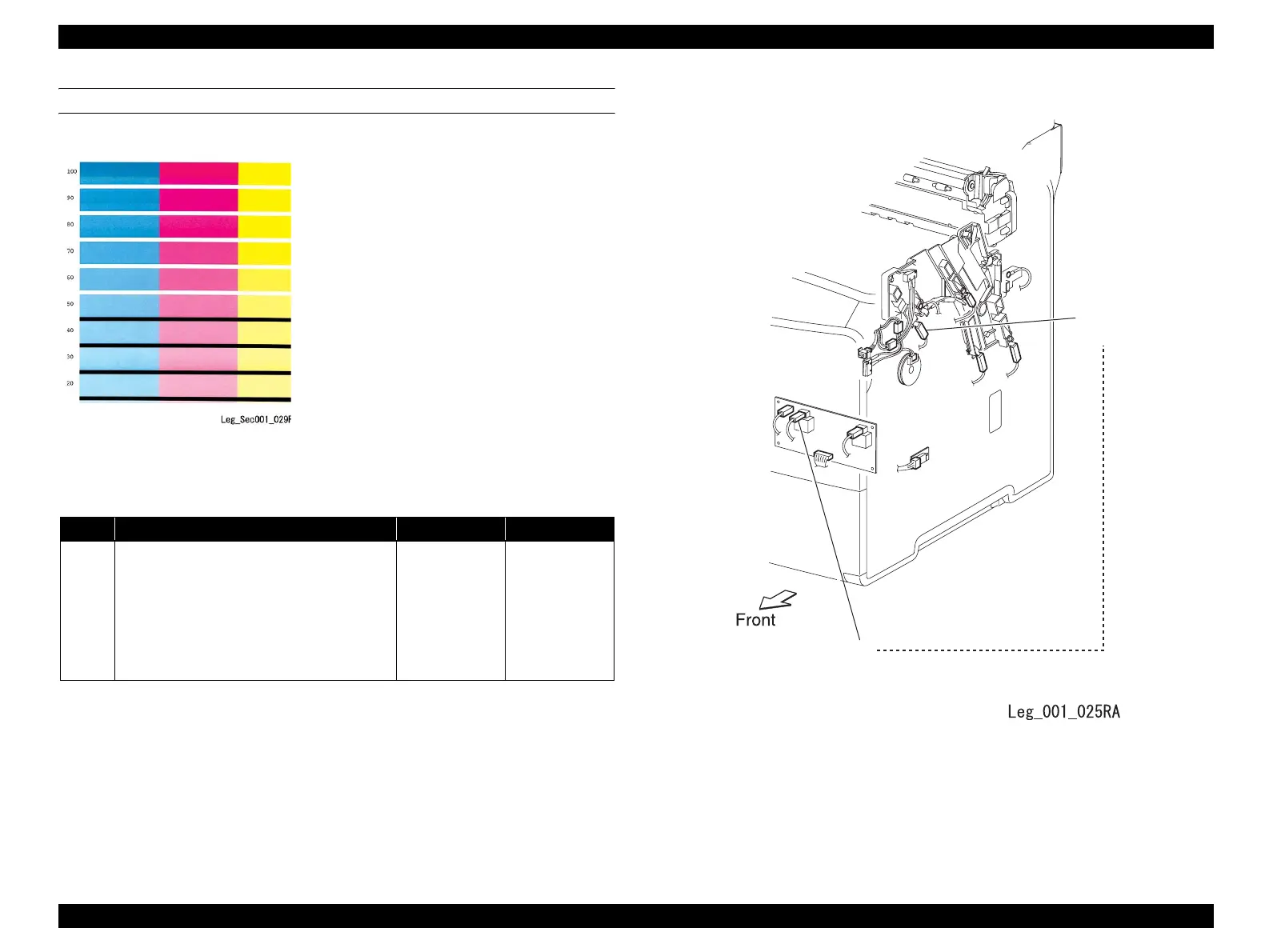
FIP-P20 Uneven Density in Horizontal Direction
Before starting troubleshooting, inspect the feed path of the printer paper. Check the
paper feed path for metal staples, paper clips, paper scraps, and other foreign matter.
Connecting location of the connectors
Problems
Uneven density in the horizontal direction in
high-density color areas (color is faint in a
stripe pattern) is occurring. This occurs due to
disconnection of connector (G) from PWBA
HVPS.
ESS and possible parts that caused the error
WIRE ASSY IBT
PWBA HVPS
Step Check Yes No
1
Check the connectors for PWBA HVPS.
Make sure that the connector (P/J506) on
PWBA and the connector (P/J513) on IBT are
connected properly.
Print the problem image. Or, execute the test
print.
Was the trouble fixed?
End of procedure
Replace “ESS and
possible parts that
caused the error”.
G
P/J513
(IBT)



 To Next Page
 Loading...









