New Feature Manual - DHCP
Quidway S3900 Series Ethernet Switches-Release 1510
Chapter 2 DHCP Relay Configuration C
ommands
Huawei Technologies Proprietary
2-9
Parameter
ip-address: IP address. This argument is used to display the user address entry with
the specified IP address.
dynamic: Displays the dynamic user address entries.
static: Displays the static user address entries.
tracker: Displays the interval to update the user address entries of a DHCP-security
table.
Description
Use the display dhcp-security command to display one or all user address entries, or
a specified type of user address entries in the valid user address table of a DHCP
server group.
Note that among S3900 series switches, only S3900-EI series switches support this
command.
Example
# Display all user address entries contained in the valid user address table of the
DHCP server group.
<Quidway> display dhcp-security
IP Address MAC Address IP Address Type
2.2.2.3 0005-5d02-f2b2 Static
3.3.3.3 0005-5d02-f2b3 Dynamic
--- 2 dhcp-security item(s) found ---
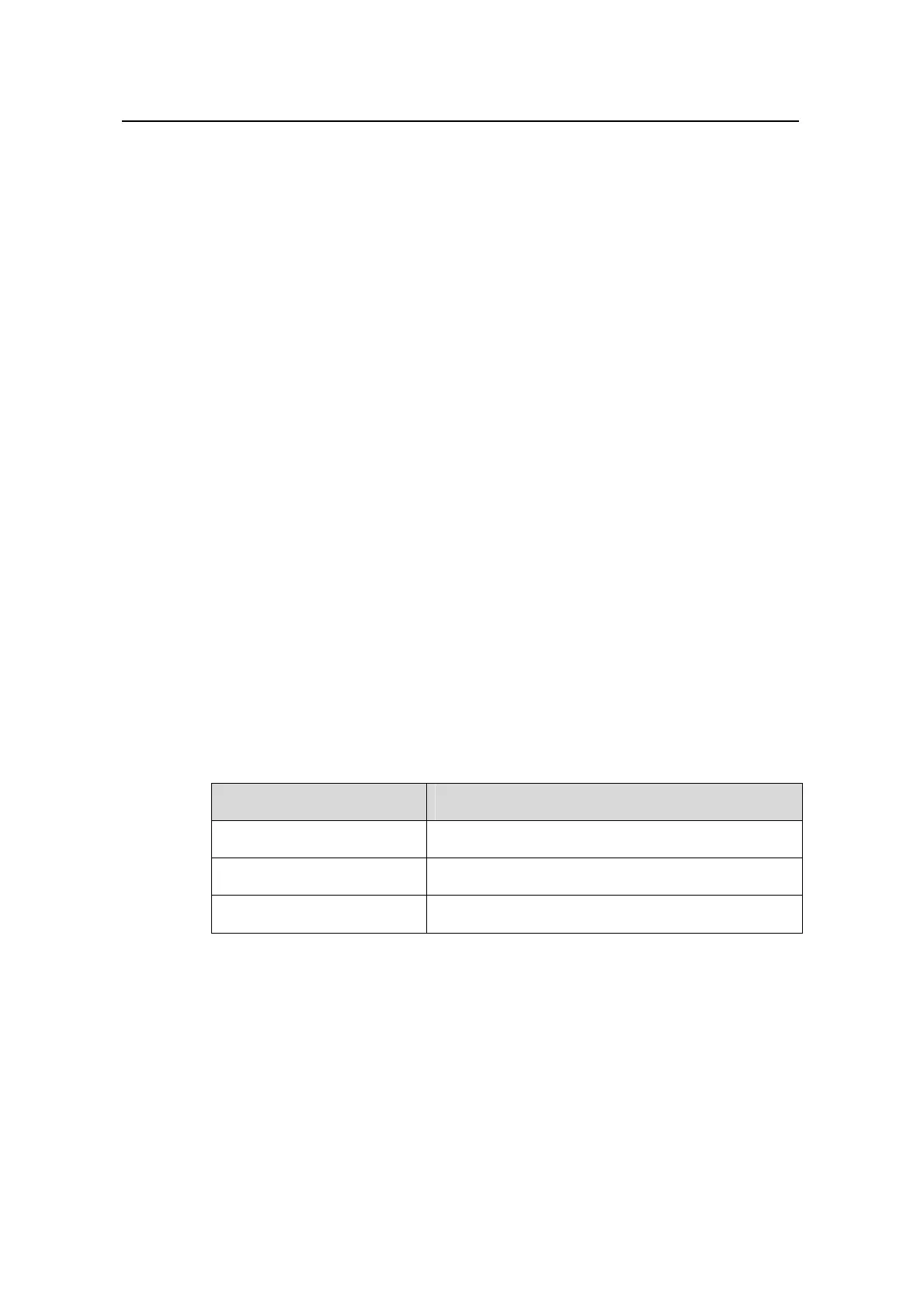
Table 2-1 Description on the fields of the display dhcp-security command
Field Description
IP Address IP address of a user of the DHCP server group
MAC Address MAC address of the user of the DHCP server group
IP Address Type Type of the user address entry (static/dynamic)
2.1.11 display dhcp-server
Syntax
display dhcp-server groupNo
View
Any view


 To Next Page
 Loading...