Cobalt 8.1 - 20181029
101
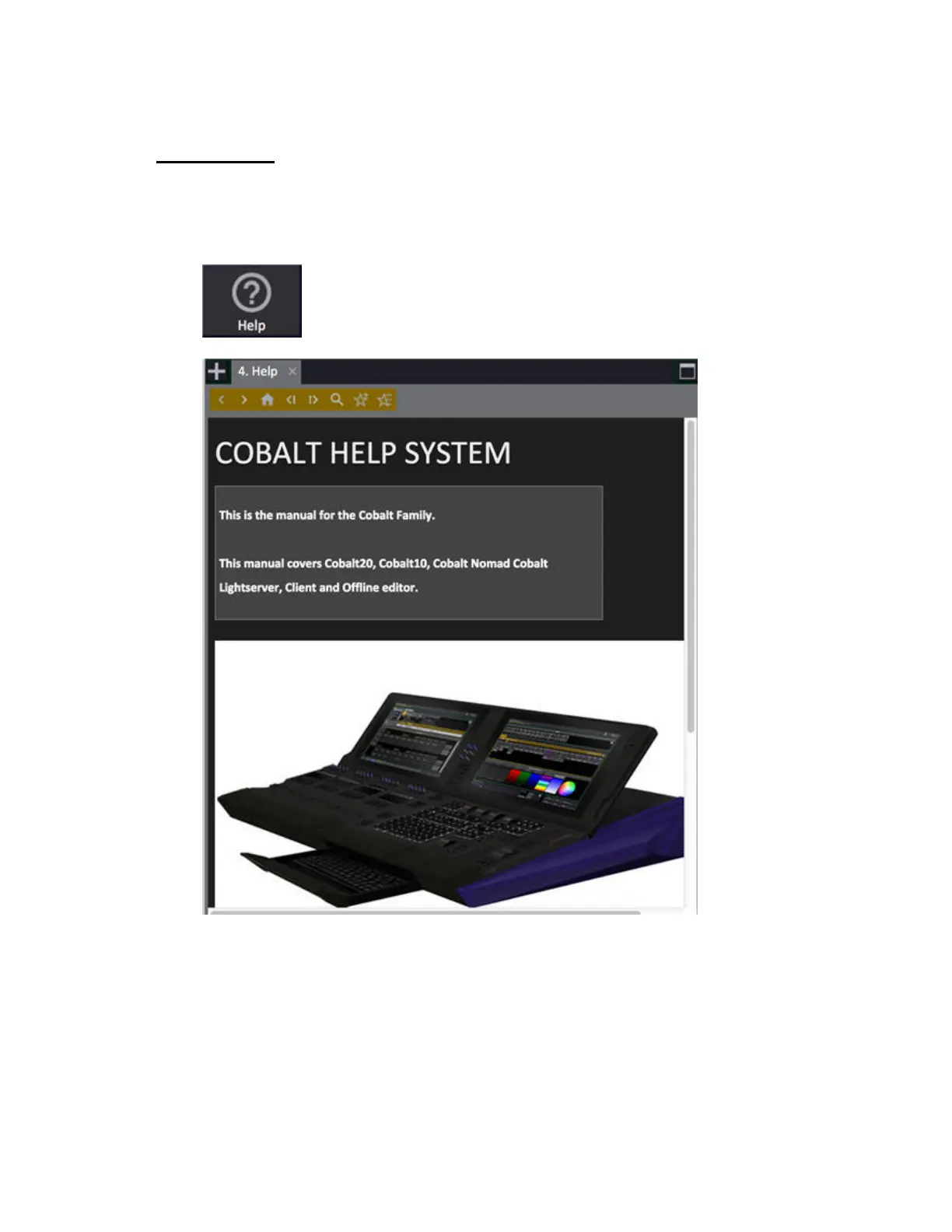
Tab - Help
You can open a Help Tab from the Tab Selector (from the + sign) or by pressing HELP (?).
Symbol in the Tab Selector
There are two auto-help modes.
• If “Follow Keys” is active, pressing buttons will update the help using the normal help topic
names.
• If “Follow Screen” is active, help will update when new tabs are opened or existing tabs are
focused.



 To Next Page