Cobalt 8.1 - 20181029
510
Track - Channels
The current channel selection can be tracked in Sequences, Chases, Presets, Groups and all kinds of
Palettes (Focus, Color, Beam & All).
Once the channel(s) are selected there is a key combination of TRACK and some other key to activate
the corresponding tracking tab.
You can delete attribute values by pressing DELETE in a cell. There is no undo for this. (5.0)
Track Channels - In Sequences
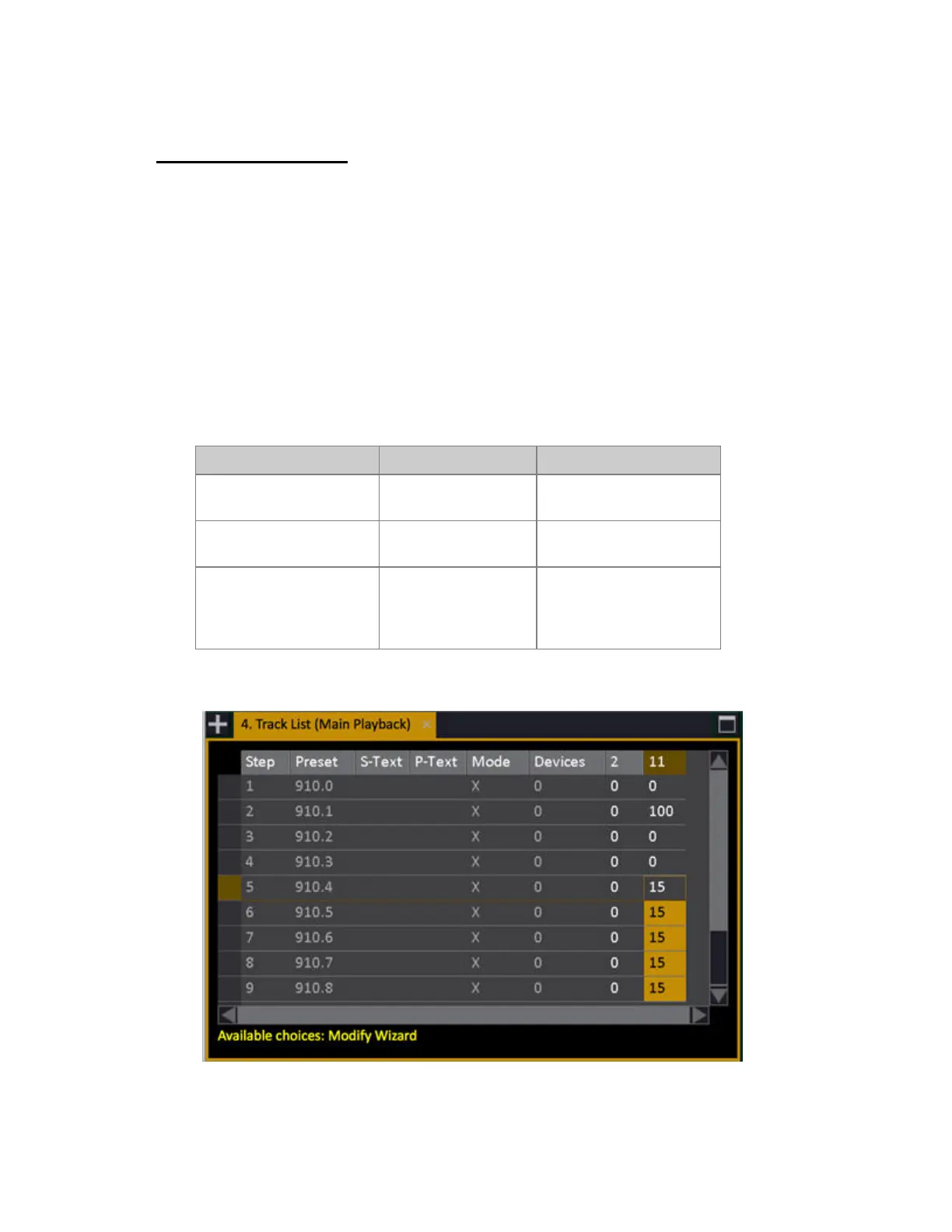
Track the current channel selection in a Sequence or Chase.
Function Key Feedback
Main Playback.
[TRACK]
Track List for Sequence in
Main Playback is opened*
All Sequences
[TRACK] & [SEQ]
Track List for all
Sequences is opened
A Master Playback
[TRACK] &
[Master_Key]
Track List for Sequence in
Master Playback is opened
providing the master setting
is "Selected Channels"
*Track list for the Sequence of the Main Playback



 To Next Page