Cobalt 8.1 - 20181029
845
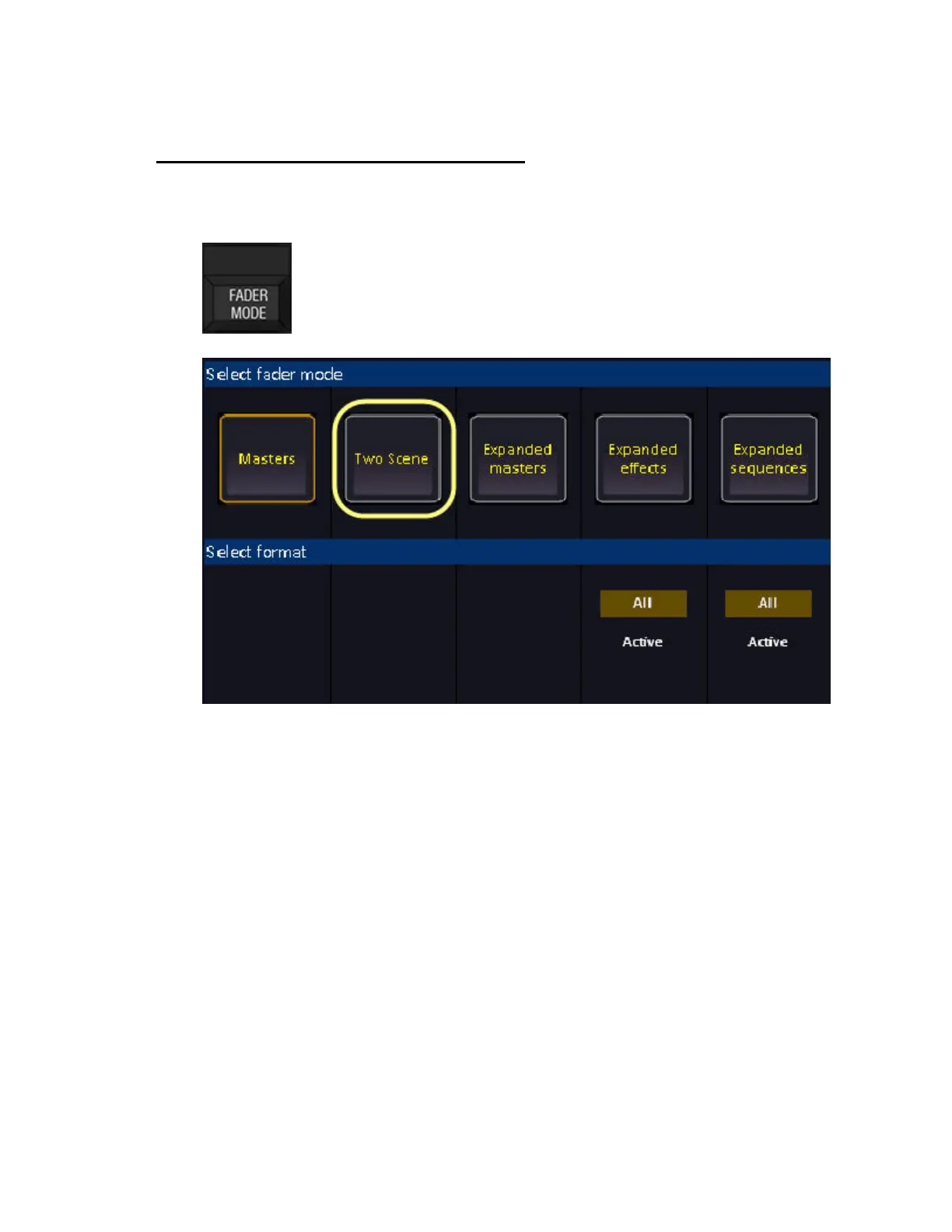
Fader Mode - Two Scene Masters
Hold FADER MODE and select TWO SCENE to activate Two Scene Masters. You can press the keys
above/under the displays.
Two scene masters takes old school improvisation where channels could be preset blind and then
faded onto stage to a new level.
• The top twenty master faders are blind (1)
• The lower twenty masters are live (2)
You can set up and record anything on the top masters, and then fade on your choice of fade time into
these settings. Once the fade is complete, all settings in the top masters have been loaded to the lower
masters - which means that you have live control of them.



 To Next Page