Cobalt 8.1 - 20181029
562
Object Target & Attributes - Fields (8.0)
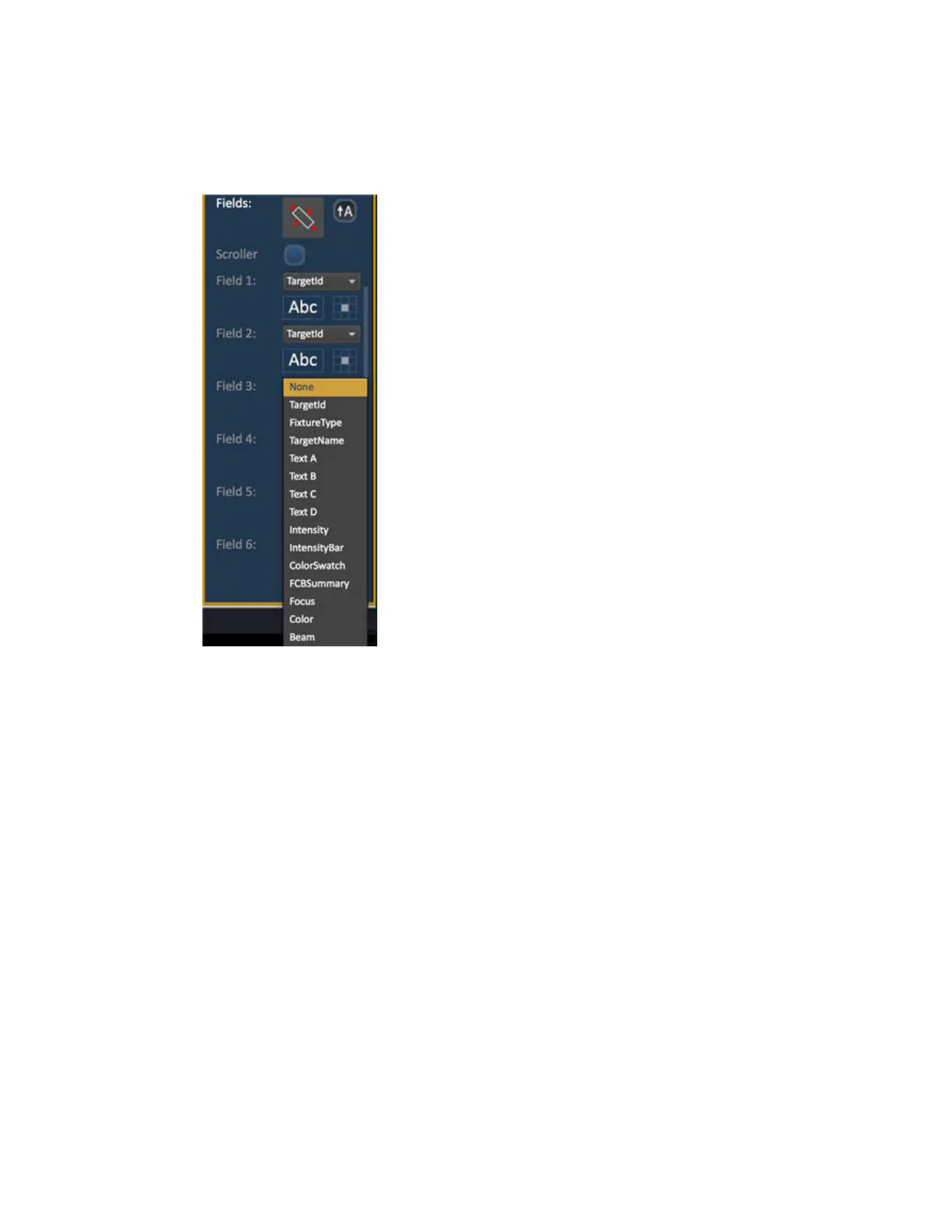
Up to six different fields of custom information can be displayed per objects.
Fields can display the following data for objects where this is relevant:
• Target ID
• Fixture Type
• Target Name
• Label
• Text A, B, C, D (from the channel database)
• Intensity
• Intensity Bar
• Color Swatch
• FCB Summary
• Focus
• Color
• Beam
• Status
The Font (Abc) icon allows the means to adjust the font type, size, color and style (bold, italic,
underline) of each individual field. Used also to change the size and color of an intensity bar
The alignment of the each field can be set by selecting a position on the grid of the Alignment icon
next to the font icon.



 To Next Page