Cobalt 8.1 - 20181029
626
Record An All Palette
1. Select channel(s)
2. Initiate recording of next free Palette or Palette #
Function Key Feedback
Record
[RECORD] &
[PALETTE]
Records the next free All
palette.You will get a
popup*
Record as...
[#] [RECORD] &
[PALETTE]
Records as all palette #.
You will get a popup*
Record Direct
[RECORD] &
[direct_select]
Records to a direct select in
palette mode.You will get a
popup*
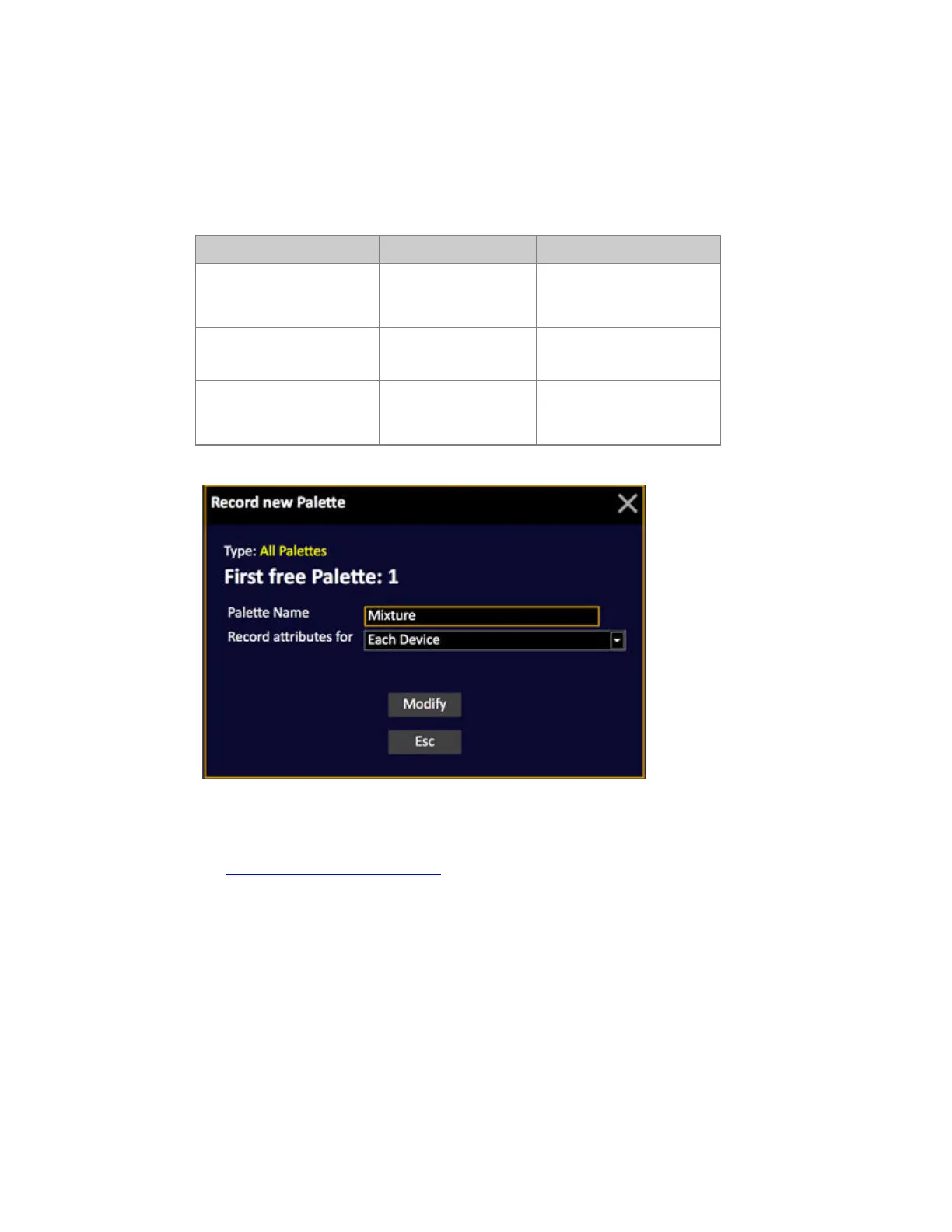
*Popup
3. Enter a text (optional)
4. Select Recording mode. For All Palettes this is usually Each Device.
See Each Device or Each Device Type
.
5. Press MODIFY to confirm recording.
When an All Palette is assigned to a device, and no other palette type (FCB), the name of the All
Pallette is displayed in the channel view.



 To Next Page