Cobalt 8.1 - 20181029
763
Effect Texts
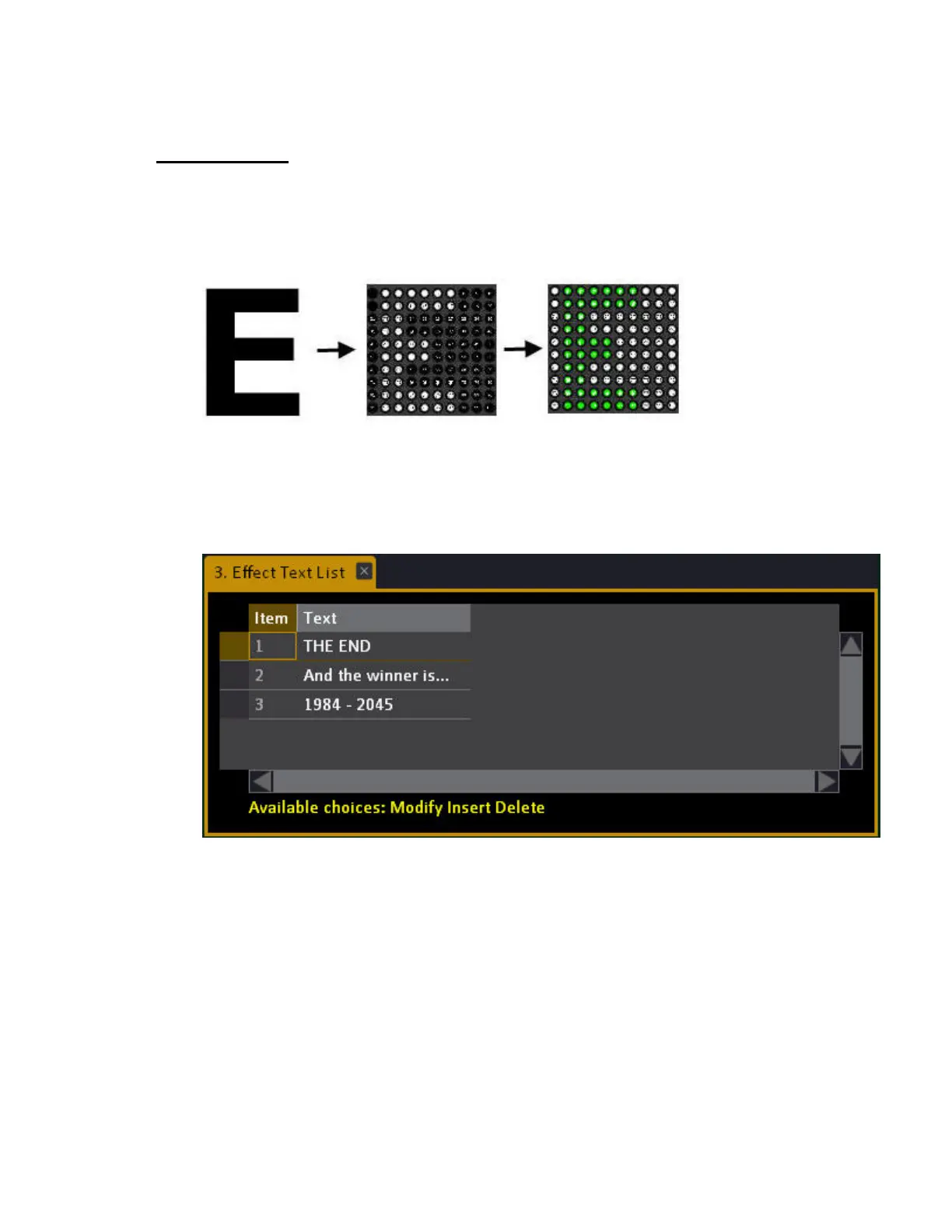
You can create a text and apply it to an effect layout with the image effect. The text can be applied to
intensity, color mix, iris or zoom.
This is an example of the letter "E" applied to intensity and then color mix in a 10x10 effect layout.
Create an effect text
1. Open the Effect Text tool (Browser >Effects >Image Effect >Effect Texts...)
2. Press INSERT to create a new text.
3. Press MODIFY in the Text column, write a text and press MODIFY to confirm.



 To Next Page