Cobalt 8.1 - 20181029
880
Remote Control List
Open from BROWSER >Remote Controls >Remotes List. This editor shows all active remote
controls.
You have the possibility to give names to each Remote control (currently only possible on Net3 RFR
devices) and disable the contribution from specific remotes. In Settings: System, you can set all
remote input to off. See Play Settings - System
.
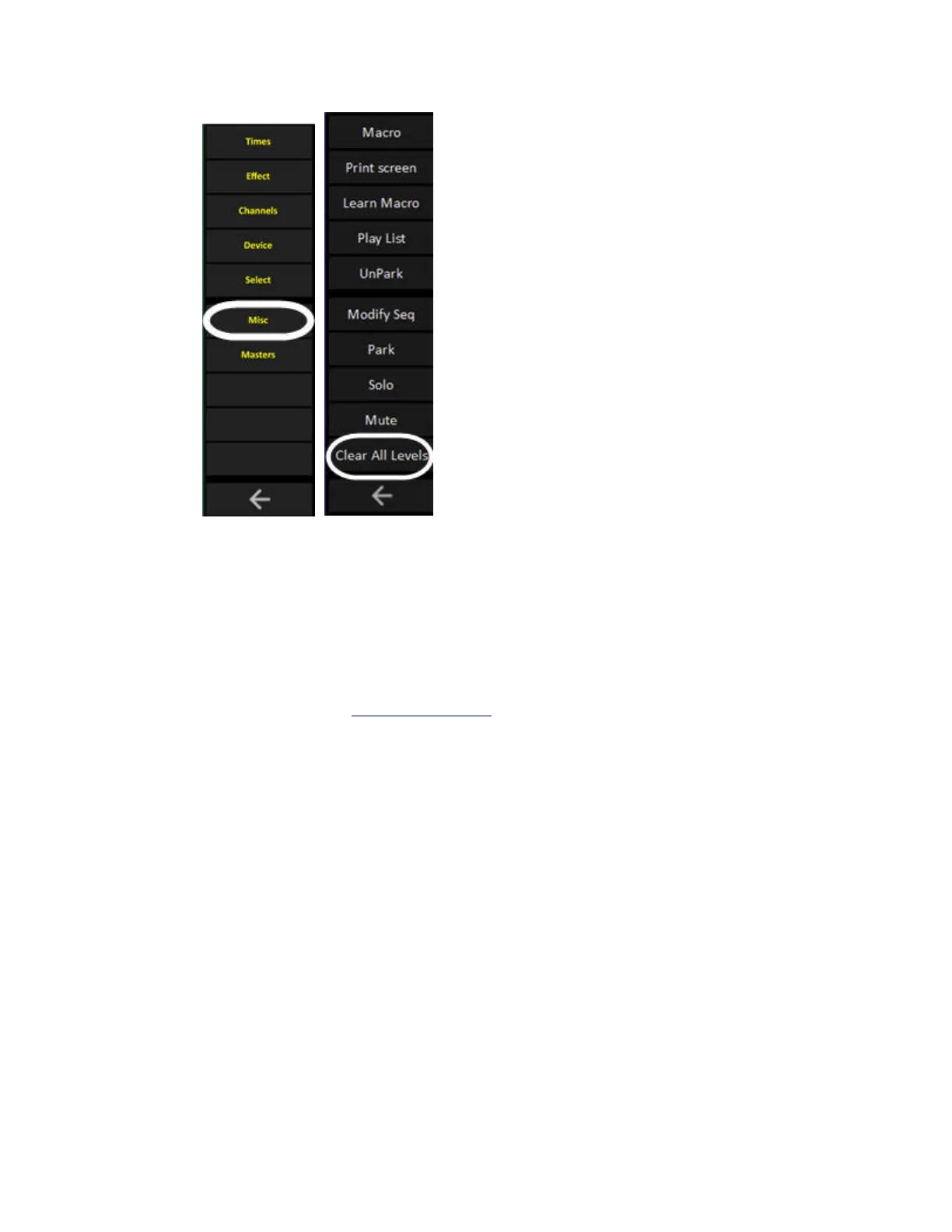
• If you press MODIFY in the Clear Levels column, you can quickly clear all levels from that
remote.
• The channels and levels in each remote field can be edited directly in the channel view in the
top of the editor.
• The Online column is just an indicator for network RFR's.
• To set this remote to work in A instead of it's unique remote field activate this cell.



 To Next Page