Cobalt 8.1 - 20181029
859
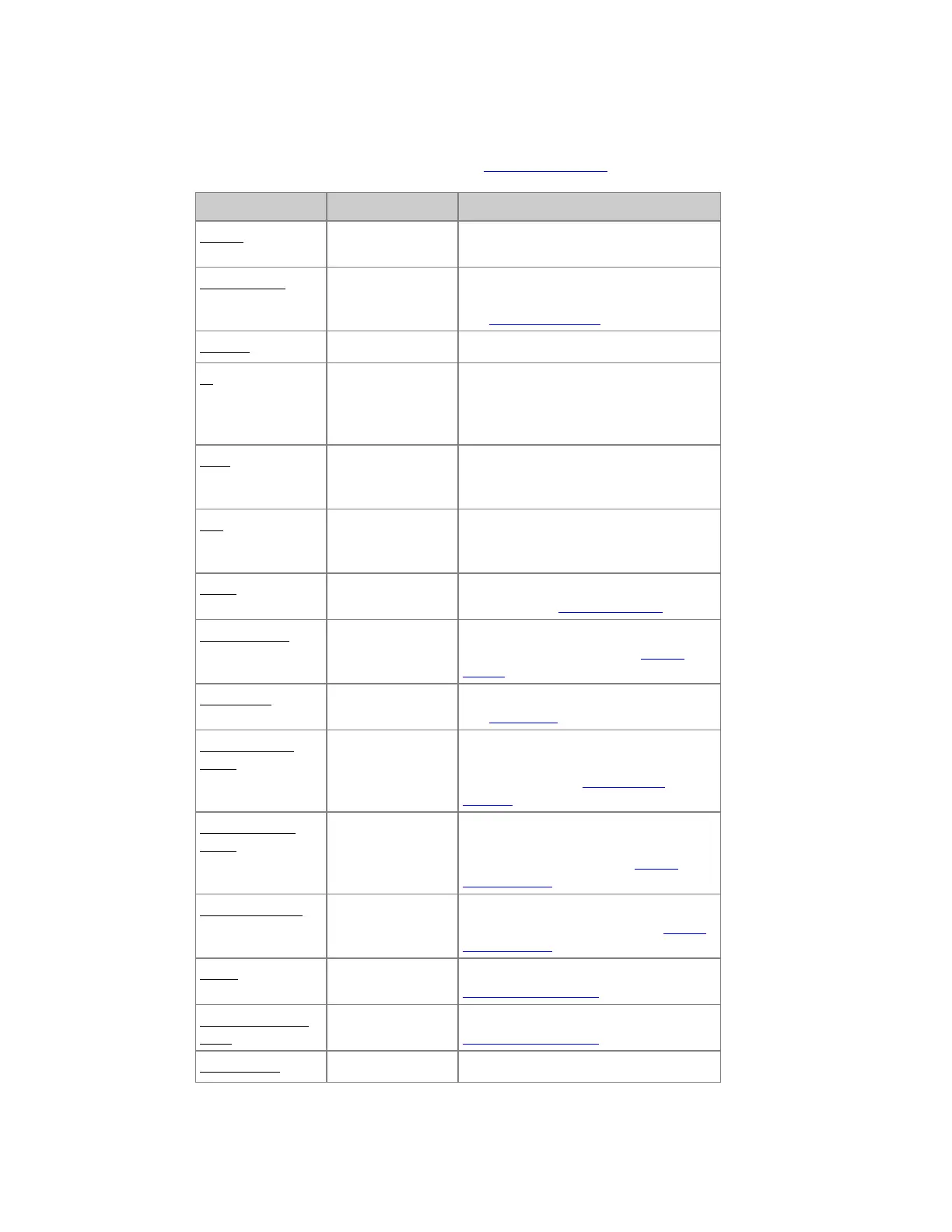
Master list - Columns & Functions (8.0)
All of these are explained per content type in Masters - Functions.
Column Input Function
Master
The number of this Master, cannot be
edited.
Content Type
[MODIFY]
Press MODIFY to open a dropdown
with choices of content.
See Masters - Content
Content
[#] [MODIFY]
Sets the number # for the content type.
In
[#] [MODIFY]
Used by START, Flash on time, Use
Master Times and Master links. If only
an In time is set, it will function as an
Out time as well.
Wait
[#] [MODIFY]
Used by START and Master links. It is
how long the master will stay up before
the Out time fades out.
Out
[#] [MODIFY]
Used by START and Master links. It is
how fast the master fade out after a Wait
time.
Mode
[MODIFY]
Set Master Mode Inclusive, Inhibit or
Exclusive. See Masters - Modes.
Master Button
[MODIFY]
Set behavior for the Master Button -
choose from dropdown. See Master
Button.
Fader Type
[MODIFY]
Toggles Add (default) and Solo mode.
See Solo Mode.
Fader Intensity
Mode
[MODIFY]
Set behavior for controlling intensities
(Disabled, Follow Manual Fader,
Follow Time). See Master Fader
Settings.
Fader Attribute
Mode
[MODIFY]
Set behavior for controlling
attributes(Disabled, Follow Manual
Fader, Execute at #%). See Master
Fader Settings.
Return to (FCB)
[MODIFY]
Set behavior for Return to FCB (Off,
Previous, Preset, Main Pb). See Master
Fader Settings.
Preset
[MODIFY]
Set Preset for Return to FCB. See
Master Fader Settings.
Active Parameter
Lock
[MODIFY]
Attributes are locked to fader. See
Master Fader Settings.
Flash Button
[MODIFY]
Sets behavior for Flash button. See



 To Next Page