Cobalt 8.1 - 20181029
412
Sequences - Split Fade
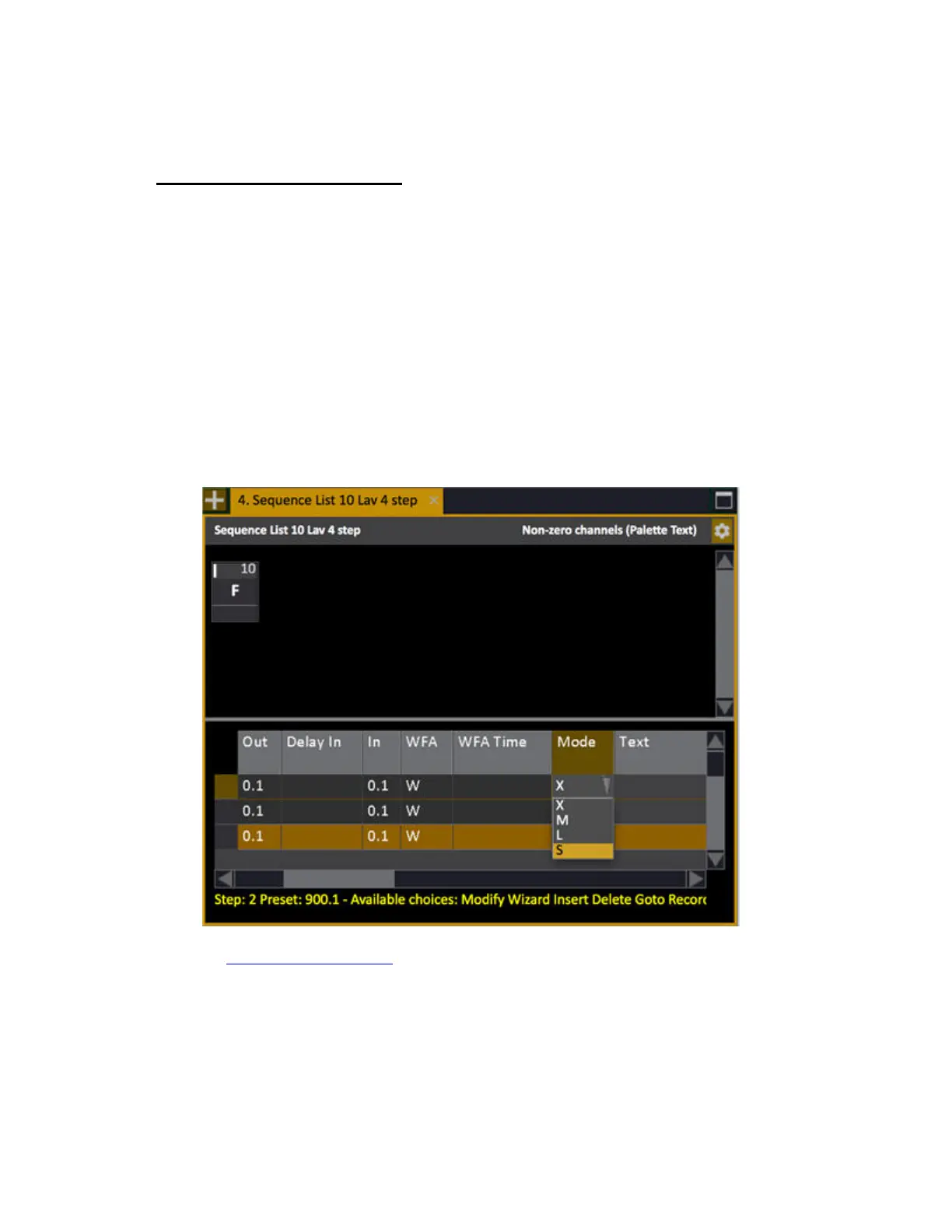
There is a setting in the Mode cell of each step in the Sequence List that allows you to set the fade
mode to S (Split) in which there will be no dipless calculation between the crossfaders - allowing for a
blackout by moving each fader to zero.
Example
There is a preset in A in which channels 1-10 are at 10.
In the next preset channels 5-10 will go from 10-100.
If the fade is Split, it will be like bringing one master down fading out channels 1-10, and then
bringing in 5-10 to 100, with a "split" between them.
If the fade is not Split (default mode) the channels will go from 10 where they are, to 100, without a
"dip" in the crossfade.
See Sequences - Sequence List



 To Next Page