Cobalt 8.1 - 20181029
668
Create a Scroller Roll
1. Open the Scroller Rolls List from the Browser (Browser >Devices >Settings and Tools >Scroller
Rolls).
2.Press INSERT to create a new Roll (a number of standard Rolls are created by default when you
open a new Play).
3. Set Fan=Intensity, Default Time and TEXT for this roll.
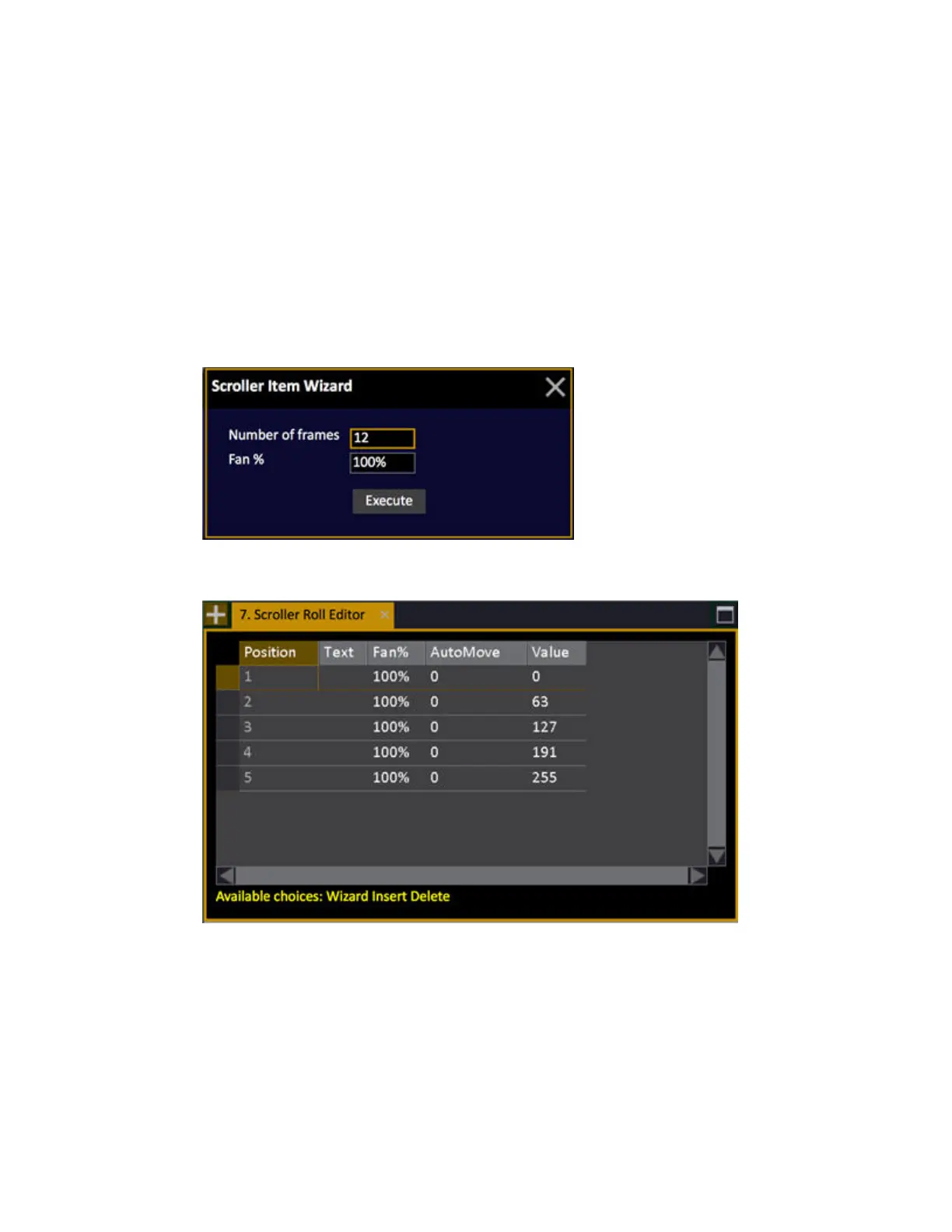
4. Press MODIFY in the Scroller Roll cell to open the Scroller Roll Editor. A Wizard is opened where
you can define the number of frames and the default Fan value (can be edited later).
5. This it what the scroller roll editor looks like with five frames defined



 To Next Page