Cobalt 8.1 - 20181029
284
Patch - Rename Channels
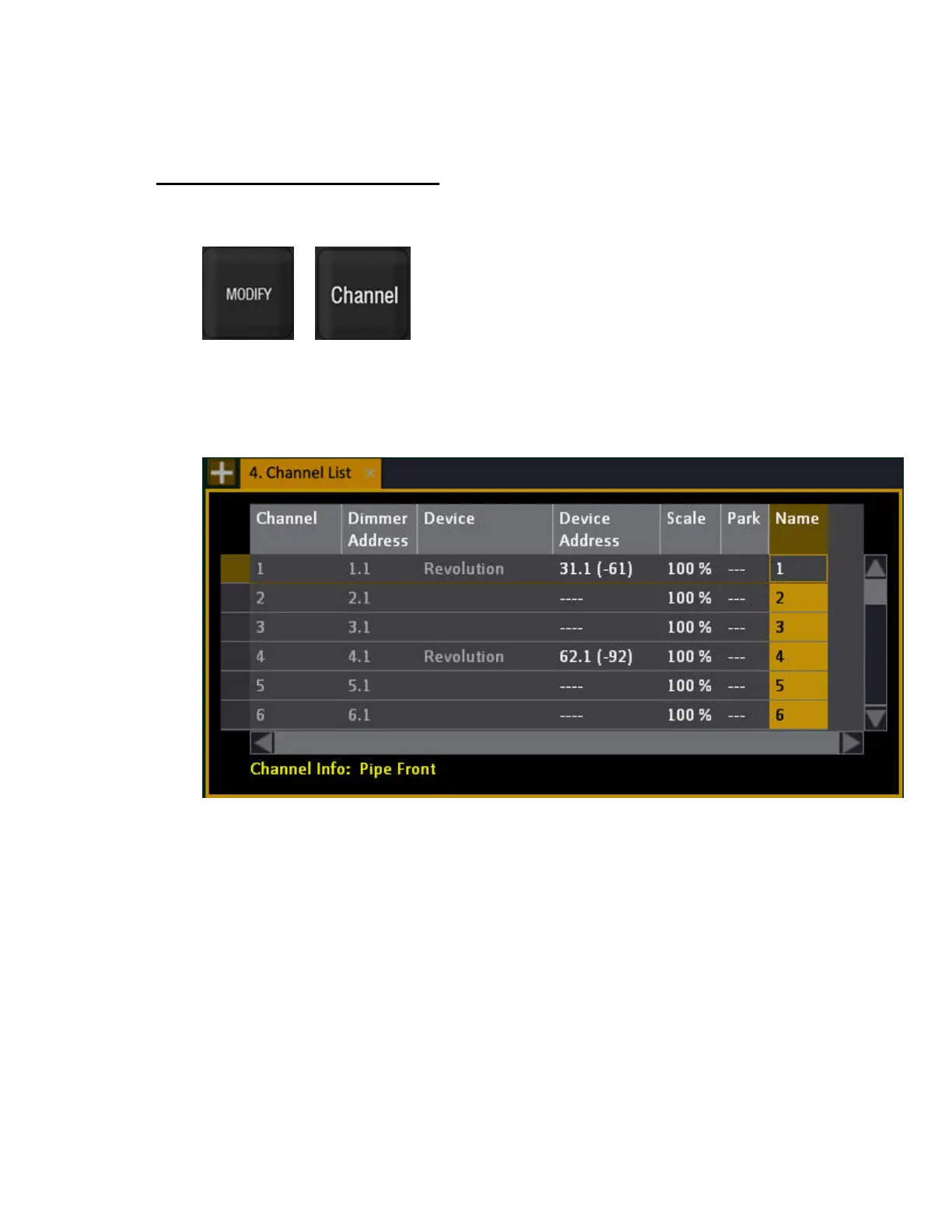
Hold MODIFY and press CHANNEL to open the Channel List.
&
You can change the number used to access your instruments, without altering your Patch. This is
useful when you want to keep your addresses and dimmer assignments as they are, but you want to
change the numbering to fit the numbering of a Plot. Renaming is done in the Name column of the
Channel List (BROWSER >Patching >Channel List)



 To Next Page