Cobalt 8.1 - 20181029
390
Sequences - Crossfade Profiles
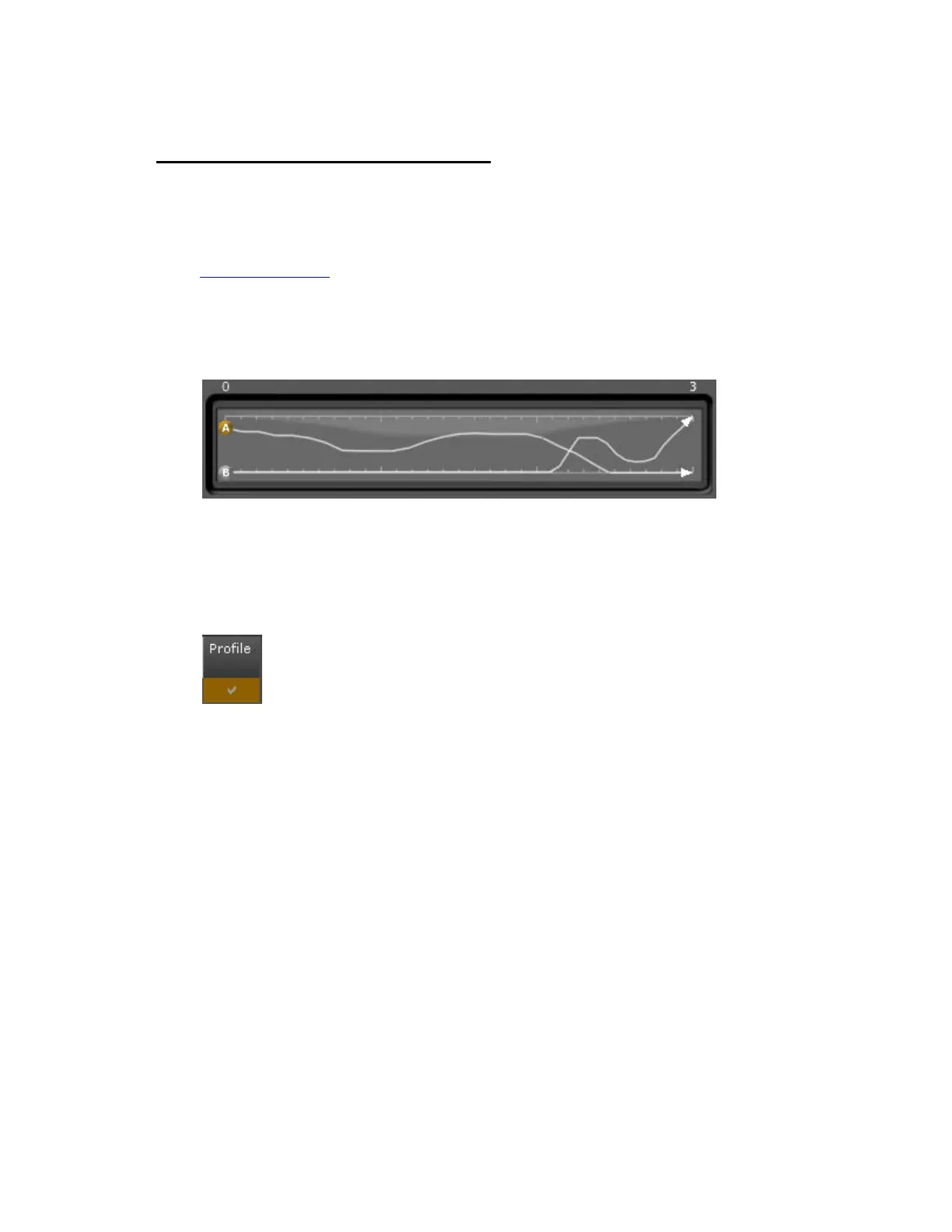
You can record the movements of the A and B faders. When you start the crossfade the next time, the
profile will be played back.
1. Start recording a profile by pressing the LEARN PROFILE soft key in the Times soft key page. See
Times Soft Key Page
.
2. The recording will stop when both faders reach their end position at the same time.
A preview of the profile is shown in the timeline view.
The total time of A and B are separately stored as the Out and In times. If you change these times, the
recorded profiles will be scaled on playback to play back in the new time.
A new column (Profile) is added in Sequence Editor. It shows a check mark when a profile has been
recorded. You can press DELETE in this column to delete the profile.



 To Next Page