Cobalt 8.1 - 20181029
254
Macro List
A Macro is basically a series of key presses and actions that are stored under a number for random
playback.
NOTE 7.3
If you have used Cobalt master/flash/encoder buttons in a
button macro, you would need to re-record these when brought into 7.3 due
to internal changes to button mapping.
• Macros can be recorded and played back in real time or fast.
• Macros can be linked to a sequence or chase step.
• Each Macro can have a text label.
• Macros can not be edited.
• There is an indication in the top right corner when a Macro is being played back.
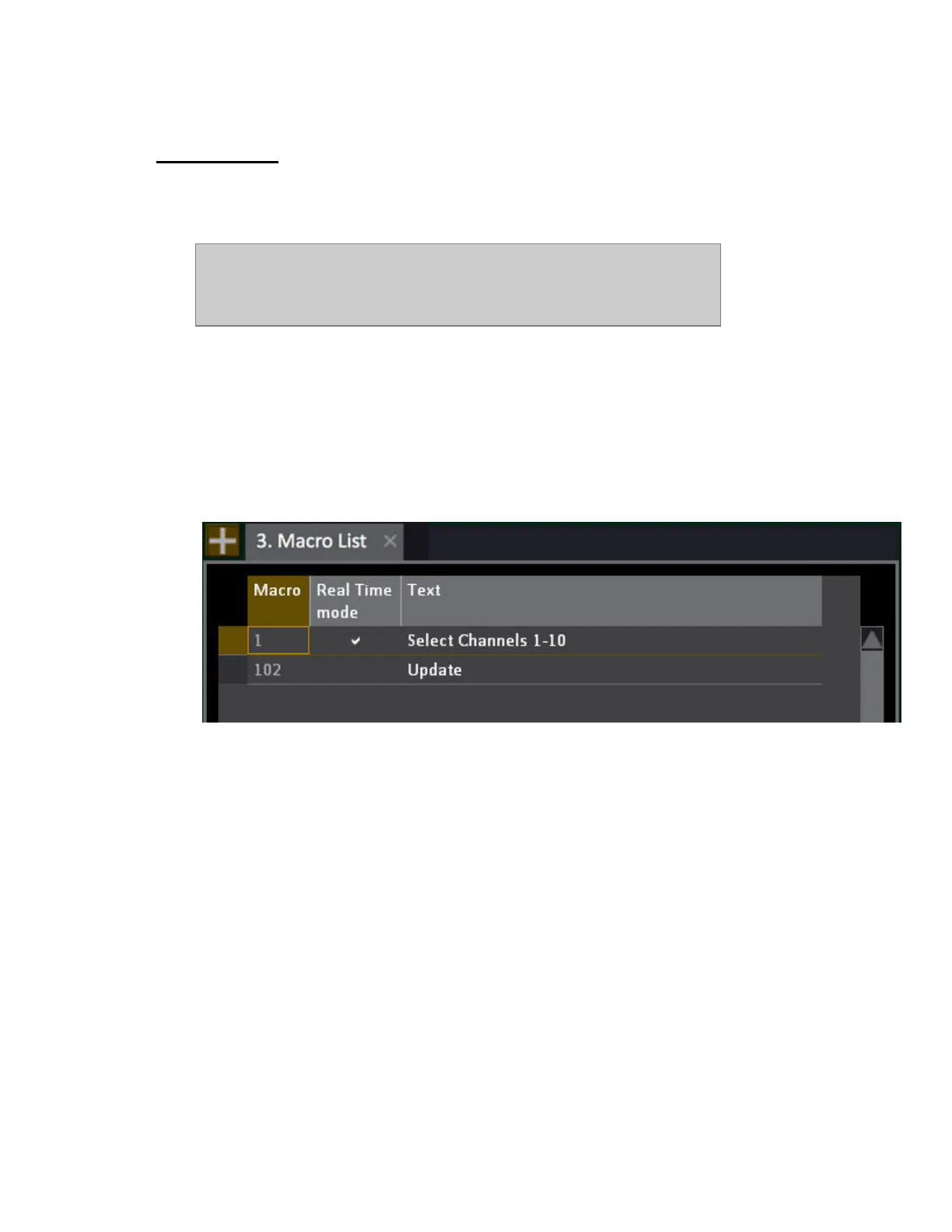
The Macro List is opened by holding MODIFY and pressing MACRO. In the list it is possible to
toggle between real-time and fast playback - and set a text label.



 To Next Page