Cobalt 8.1 - 20181029
242
User List
User logins allow you to keep personal settings for Direct Selects, Screens and Notes, within the same
Play as other users.
See Direct Selects
, and Notes.
It's also possible to connect Partitions to User Logins, which makes it possible to have a User Login
with a predefined set of channels that can be accessed by that user.
See Partitions
.
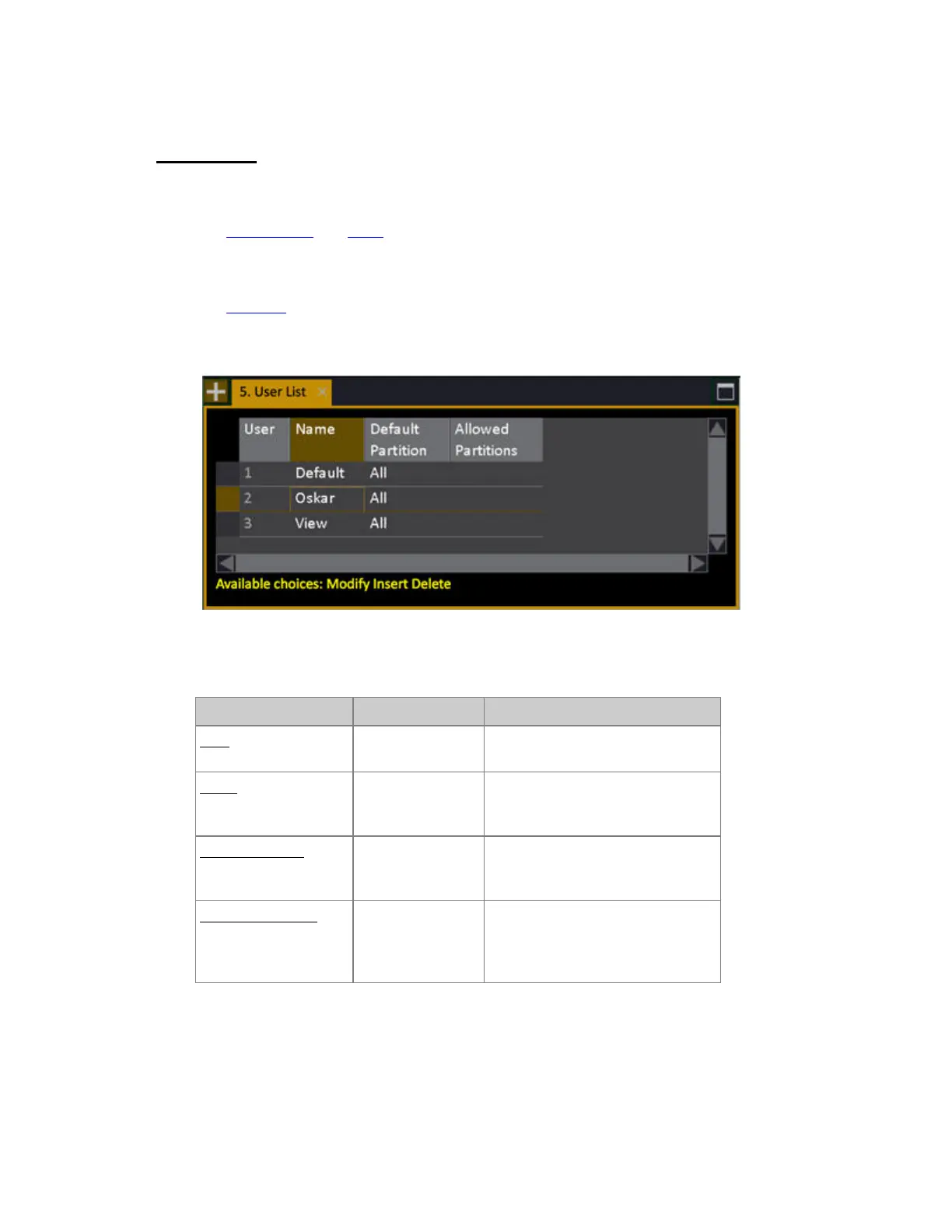
You can view, edit and create new Users in the User List (Browser >General Settings >User List).
User List - Columns
Function Key Feedback
User
The ID of each Partition. Cannot be
changed.
Name
[MODIFY]
Press MODIFY to activate and end
text input. This text is shown in the
top of the screens.
Default Partition
[MODIFY]
Toggles the Default Partition on/off.
This is the partition that will be
activated when this User logs in.
Allowed Partitions
[MODIFY]
Opens the User Partition List where
it is possible to toggle the
permission for each Partition on/off
*
* Please note that the Default Partition has to be set to Onin the User Partition List as well - this is
done automatically.



 To Next Page