Cobalt 8.1 - 20181029
731
Dynamics - Control
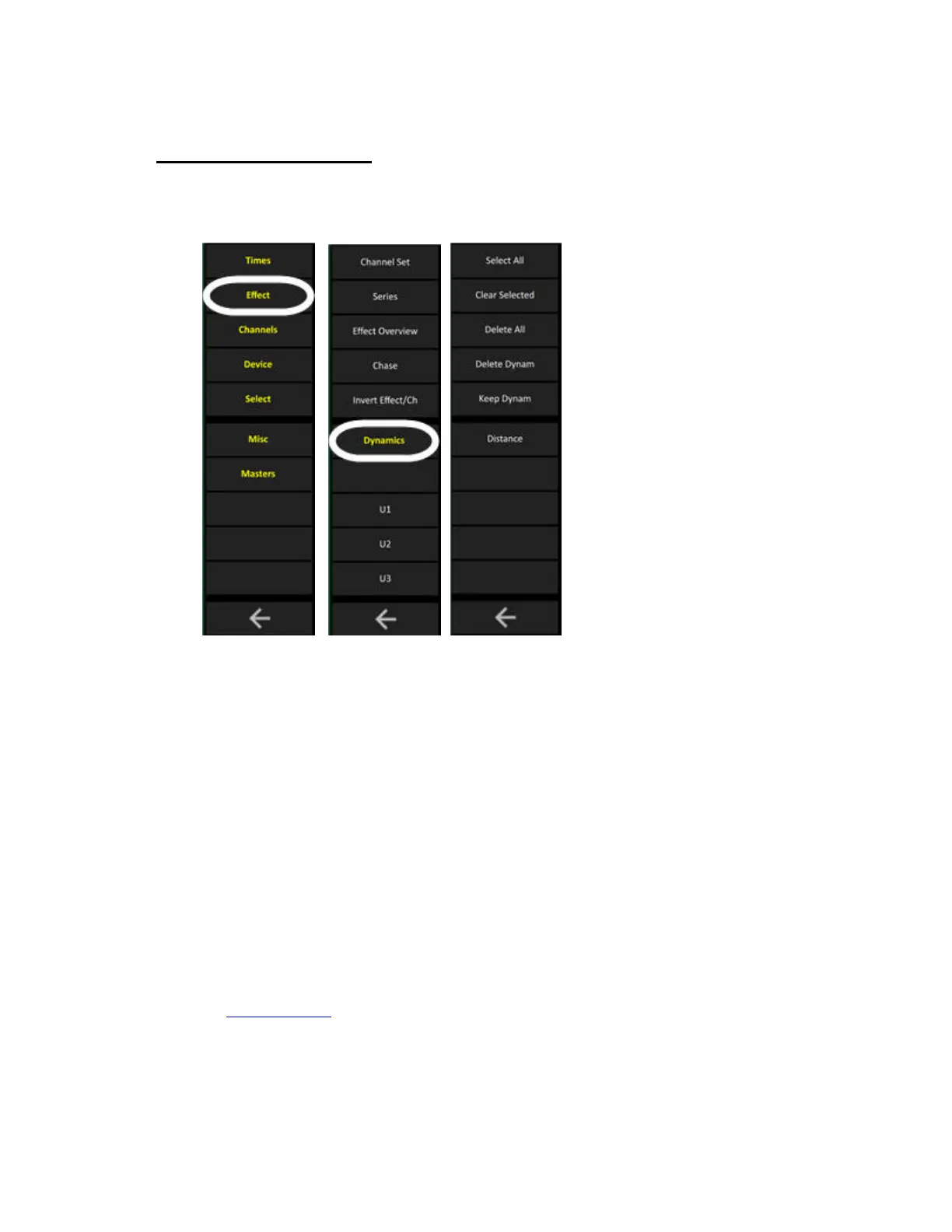
The Dynamics Soft Key Page in the Main Display of the console facepanel is opened by pressing
DYNAMICS in the Effects soft key page.
It has the following functions for controlling live Dynamics
• Clear Dynamics Soft Keys
• Dynamic Wheels
• Delete Selected Dynamics in Display List (soft key)
• Keep Dynamics in next Preset (soft key)
• Set Distance in % (soft key)
Clear Dynamics Soft Keys
The Clear Dynamics soft keys are used to clear and/or stop running Dynamics.
• Select All active Dynamics (SELECT ALL)
• Clear all Selected Dynamics (CLEAR SELECT)
• Delete All running Dynamics (DELETE ALL)
See Dynamics - Stop
.



 To Next Page